
Clock in. Clock out. Understand your pay.
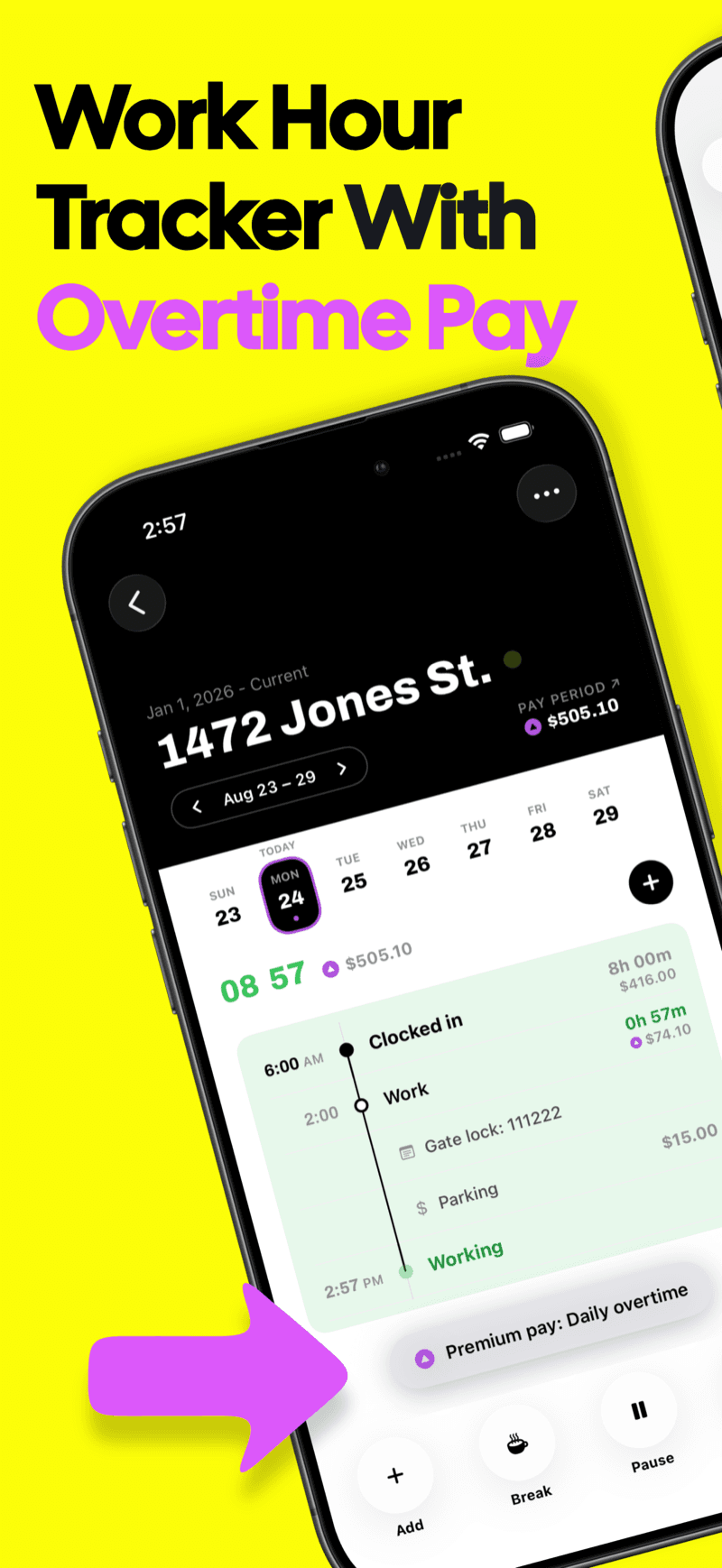

Features
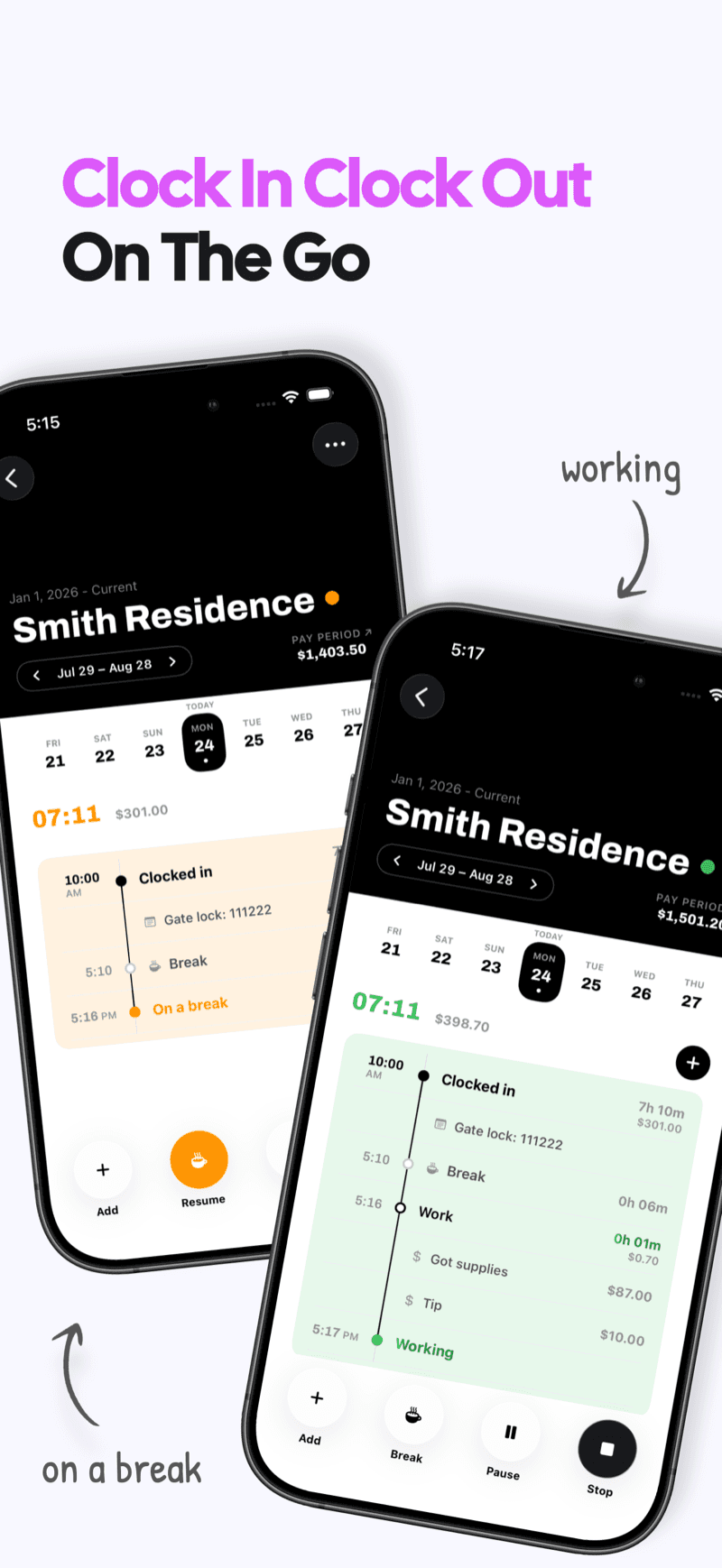
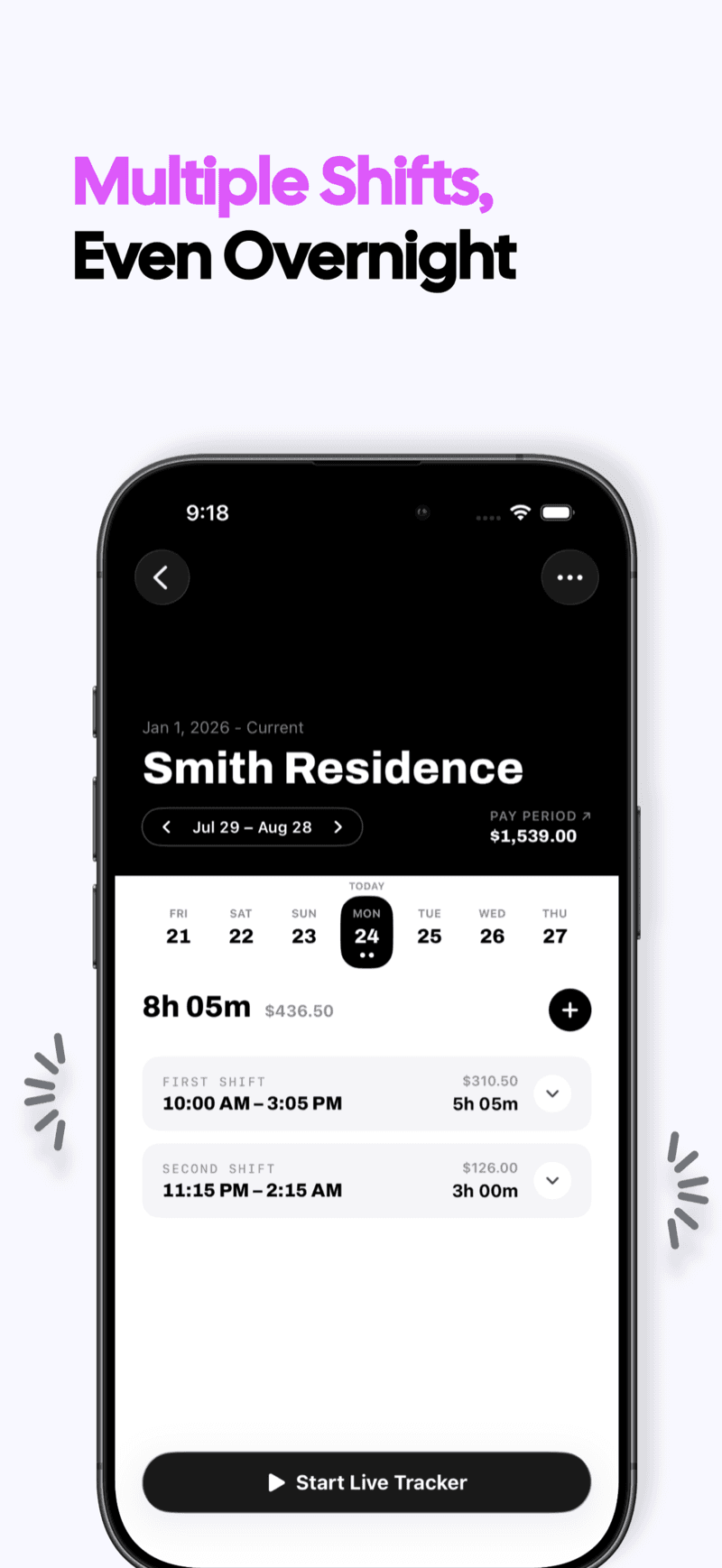
Track every shift
Clock in and out, or add hours later. Keep breaks and overnight shifts in one timeline.
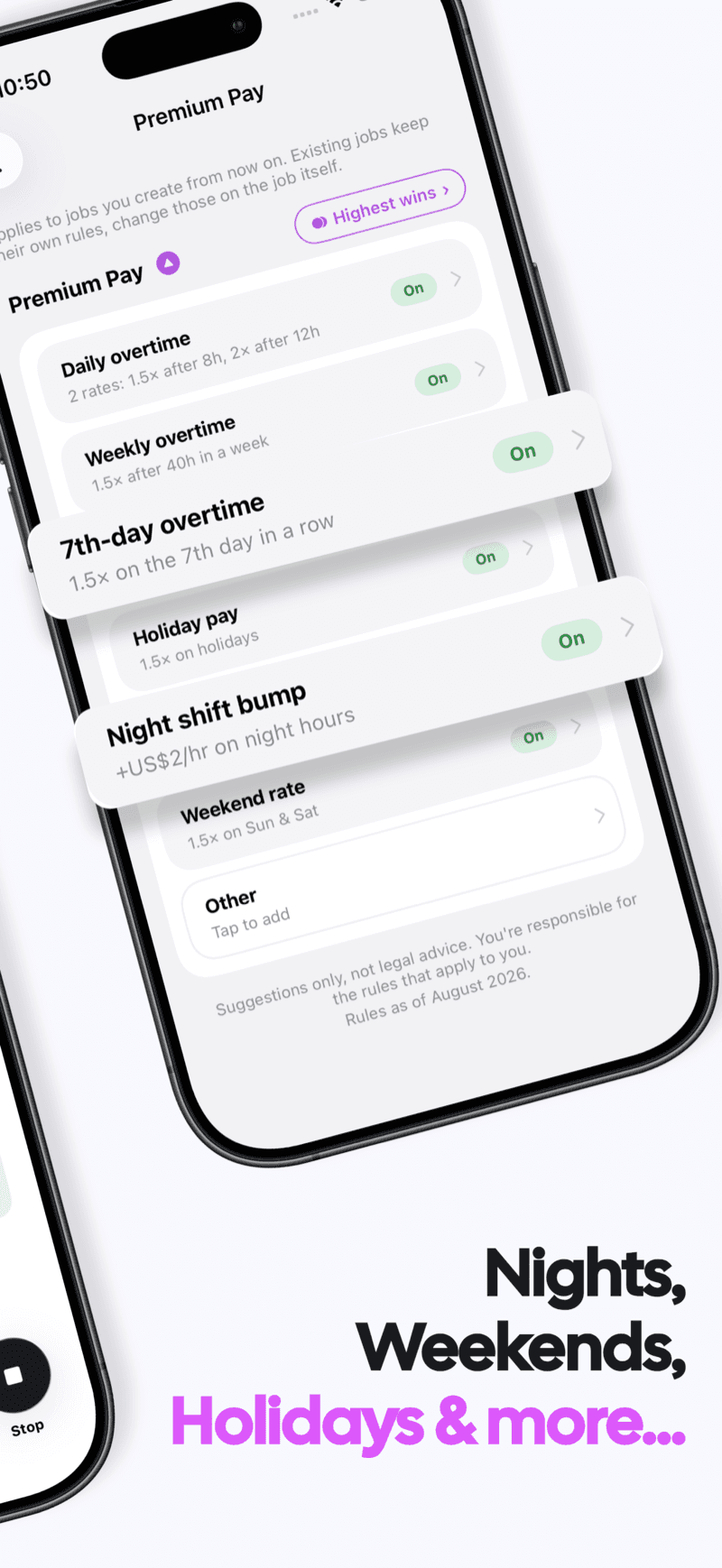
Set your pay rules
Daily and weekly overtime, nights, weekends and holidays. Use the rates your job pays.
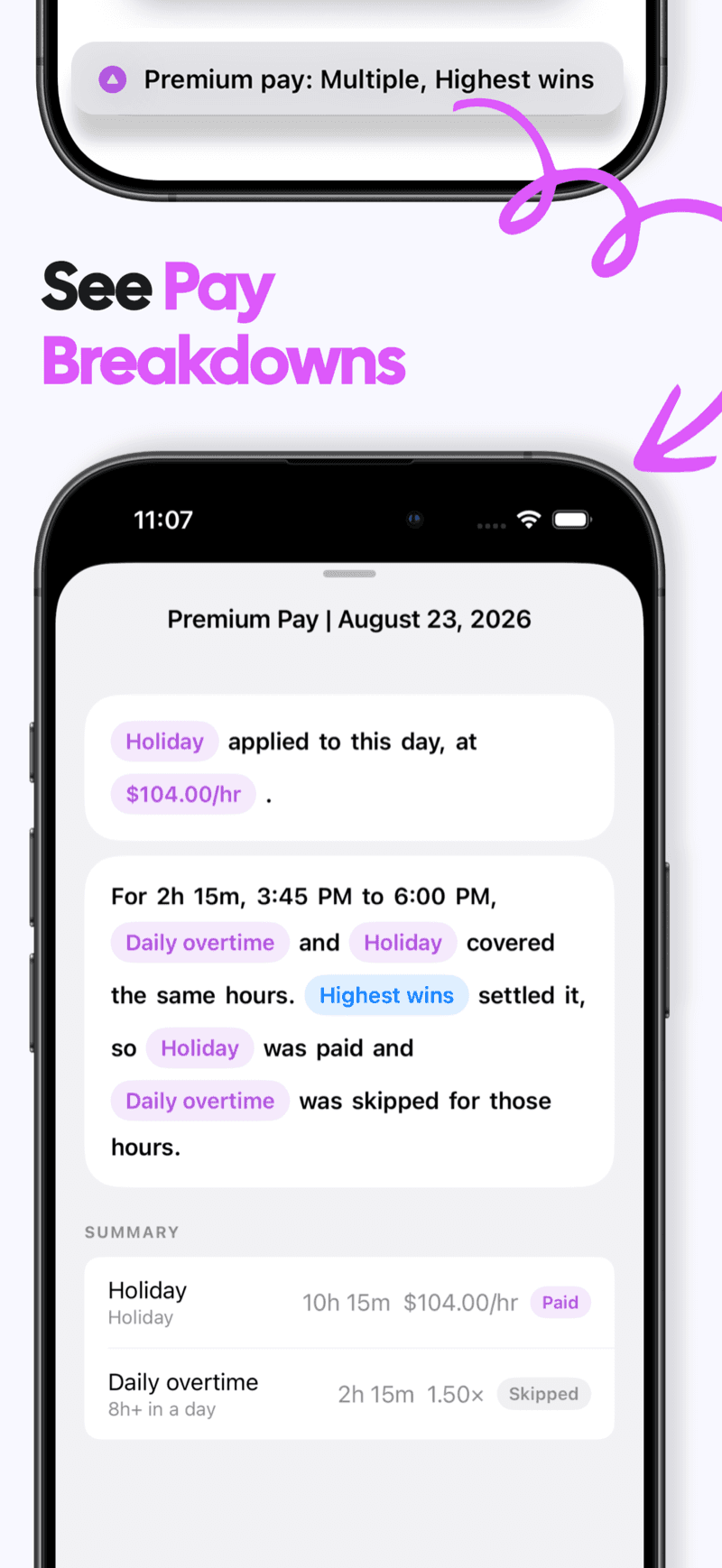
See the pay breakdown
See which rule applied to each part of your shift and how your estimated gross pay adds up.
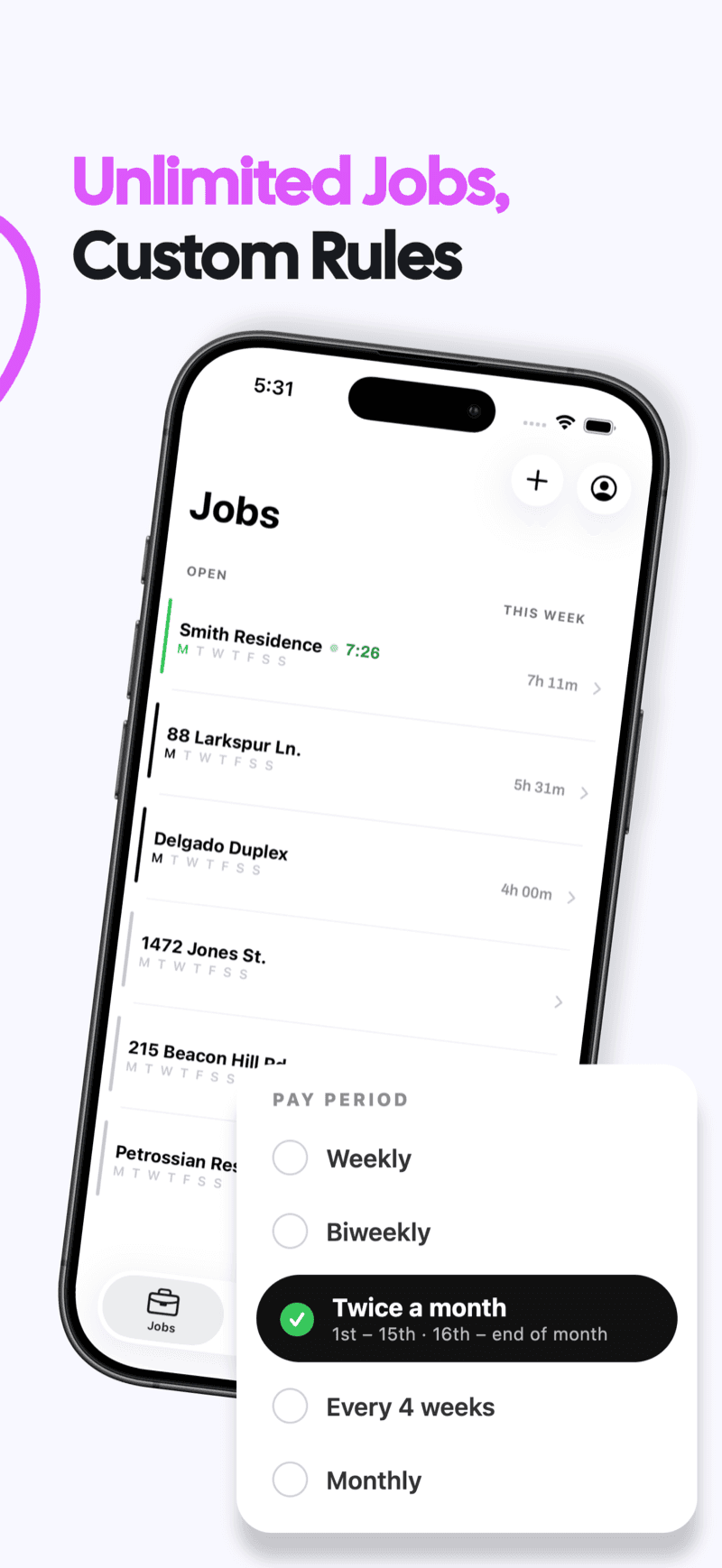
Keep jobs separate
Unlimited jobs, each with its own rates, rules and pay period.
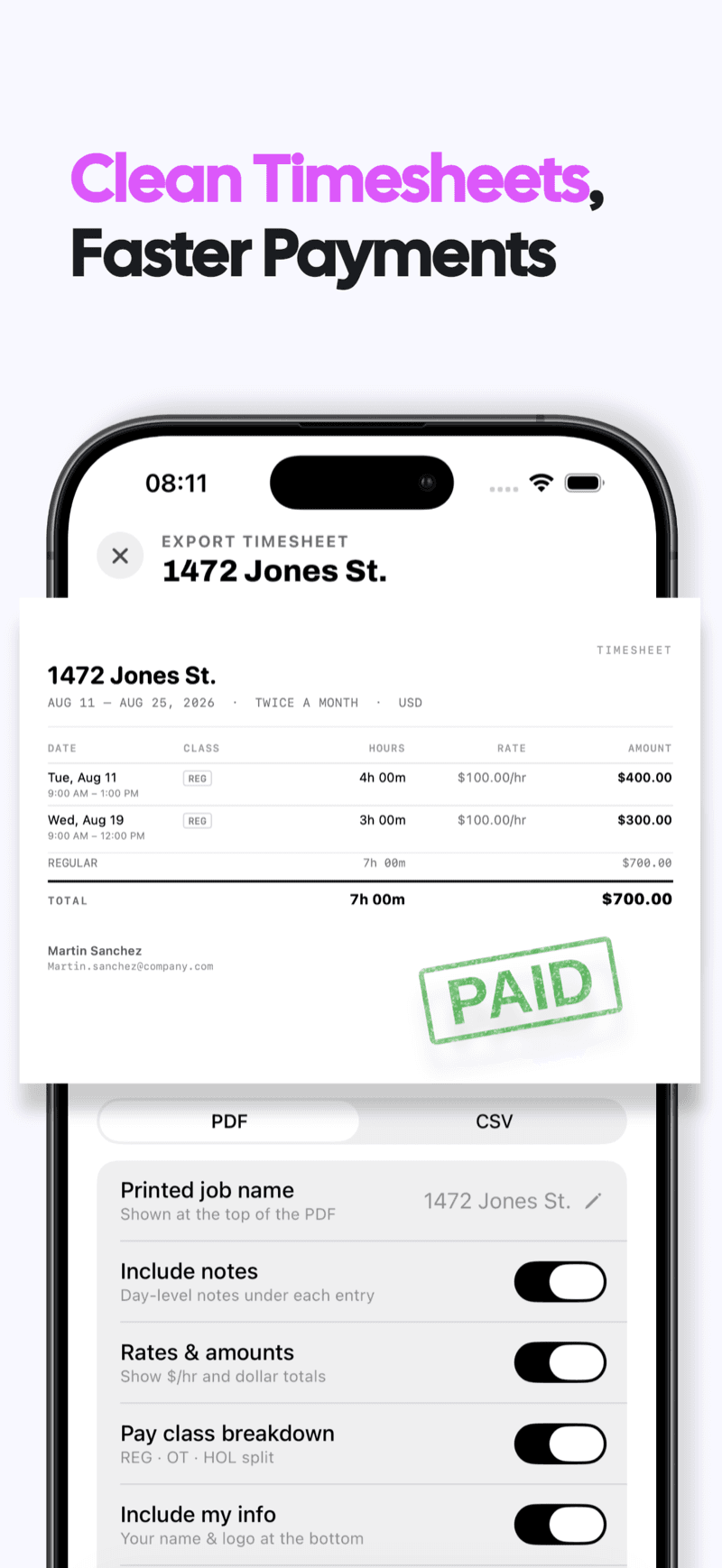
Share clear timesheets
Export PDF or CSV records with hours, rates and totals for your employer or client.
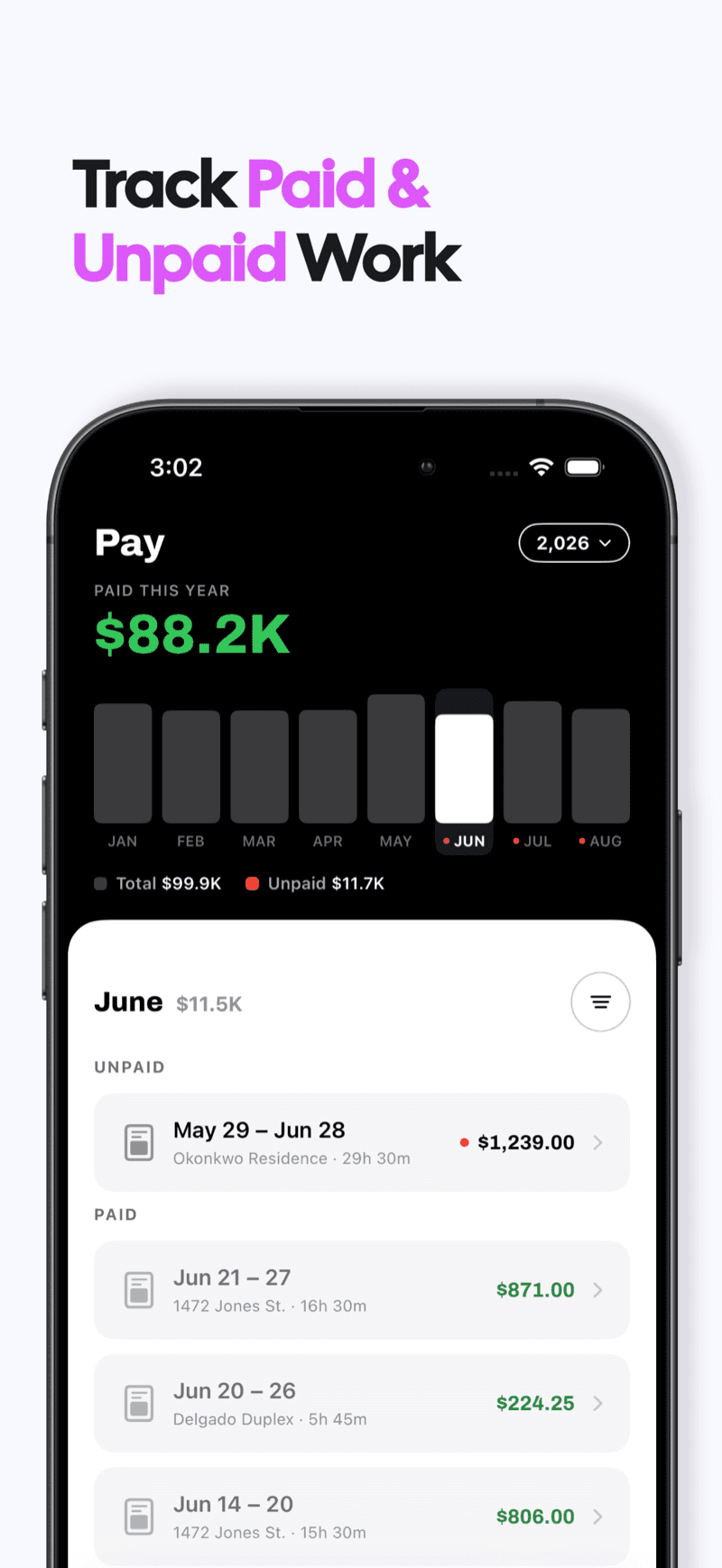
Track what’s paid
Mark pay periods as paid and see what’s still outstanding.
Hours trackers for the way you work
Start with the job you need to do. Each page shows the matching Valio workflow, screenshots and work record.
Valio Work Hour Tracker
Use Valio to track work hours, expected pay, overtime, separate jobs and pay periods on iPhone, then export clear PDF or CSV records.
Explore this tracker →Clock In And Out Hours Tracker
Clock in and out on iPhone, record breaks, calculate worked hours and see expected pay. Add missed shifts and export clean work records with Valio.
Explore this tracker →Multiple Jobs Tracker With Custom Rules
Track hours for multiple jobs on iPhone. Keep each job's rates, overtime rules, pay schedule, expected earnings and timesheets separate with Valio.
Explore this tracker →Night Shift Tracker With Extra Pay
Track overnight shifts across midnight and estimate night differential pay on iPhone. Combine night, overtime and weekend rules with Valio.
Explore this tracker →Overtime Pay Hours Tracker
Track daily and weekly overtime, double time and premium pay on iPhone. See regular and overtime hours with an explainable gross-pay estimate.
Explore this tracker →Simple Hours Tracker for Work
A simple hours tracker for work on iPhone. Clock in and out, add shifts later, see expected earnings and export a clean timesheet with Valio.
Explore this tracker →Simple Timesheet Tracker
Build a simple personal timesheet from recorded work hours. Review shifts and expected pay, export PDF or CSV, and mark periods sent or paid.
Explore this tracker →Simple Time Card Tracker
Replace a paper time card with a simple iPhone tracker. Record clock-in and clock-out times, breaks, hours, expected pay and exports with Valio.
Explore this tracker →Time Clock Hours Tracker
Use a personal time clock on iPhone to track work hours, breaks and expected pay. Correct missed punches and export clean timesheets with Valio.
Explore this tracker →Time Tracker for Work With Overtime
Track work time and overtime together on iPhone. Record shifts, apply daily or weekly rules, see expected gross pay and export a clear record.
Explore this tracker →Work Hours Tracker With Overtime Pay
Track work hours, overtime and expected pay on iPhone. Review shifts by job and pay period, understand premium rates and export PDF or CSV records.
Explore this tracker →Work Log Tracker With Overtime
Keep a daily work log of shifts, hours, overtime, expected pay and payment status on iPhone. Export the record as PDF or CSV with Valio.
Explore this tracker →FAQs
Can I track multiple jobs?
Yes. Each job has separate rates, overtime rules, pay periods and records. Overtime is not pooled across employers. Tracking multiple jobs →
How do I share a timesheet?
Export a pay period as PDF or CSV, with your details, hours and rates subtotaled. Share it through email, Messages or AirDrop. Timesheet guide →
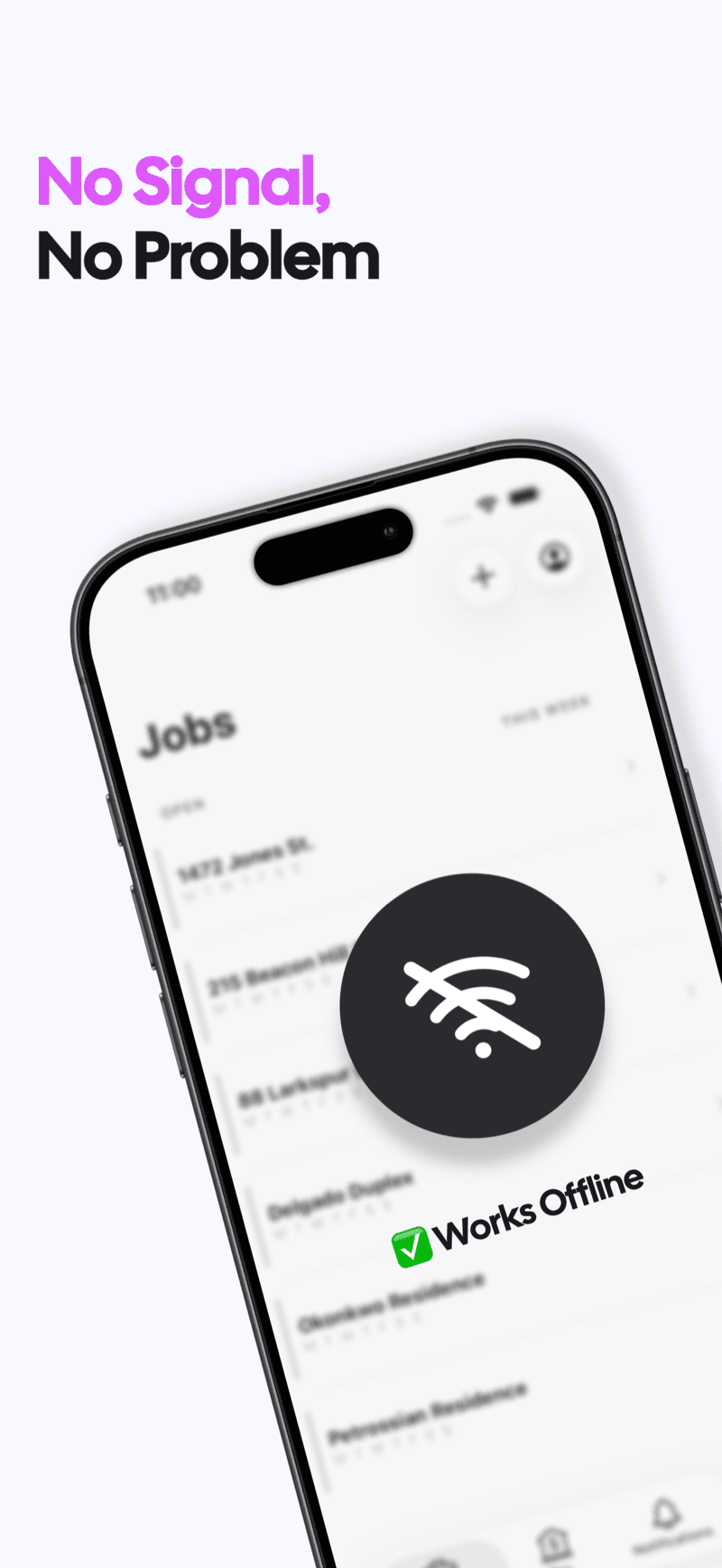
Does it work offline?
Yes. Track hours and pay without an internet connection. No account required. Clock in/out guide →
What does it cost?
A one week free trial, then $6.99/month or $49.99/year (US; regional prices vary). After your subscription ends, viewing and exporting existing records stays free. Recording new work requires a subscription. Subscription terms →
Is my data private?
Your hours, jobs and rates stay on your iPhone. No login, no cloud sync, and none of those records sent to our servers. Privacy policy →
Is this my take-home pay?
No. Valio estimates gross pay from the rates and rules you enter. It does not calculate taxes or deductions, run payroll, or determine which legal rules apply. Check your settings against your job agreement and compare with your pay stub.