
Work Hours Tracker With Overtime Pay
Track work hours, overtime and expected pay on iPhone. Review shifts by job and pay period, understand premium rates and export PDF or CSV records.
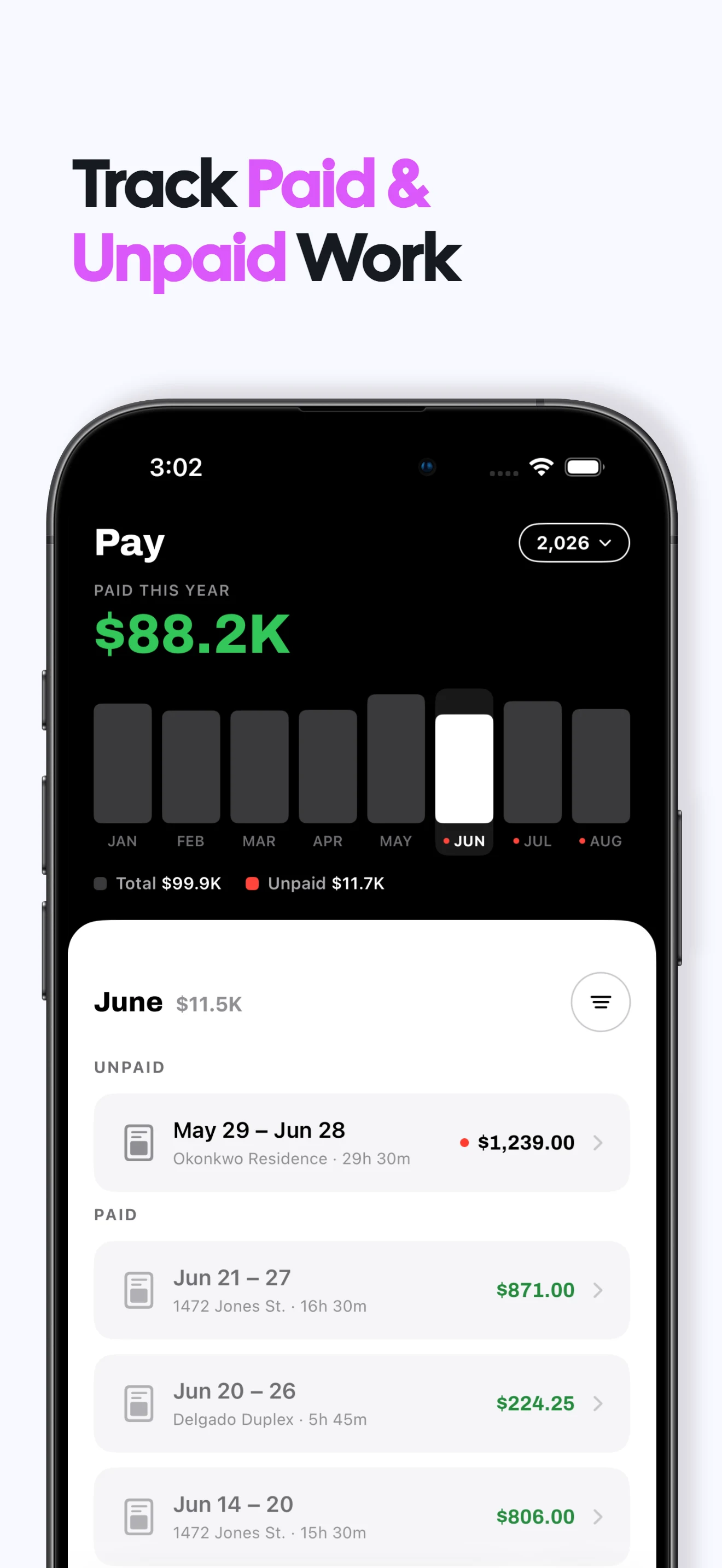
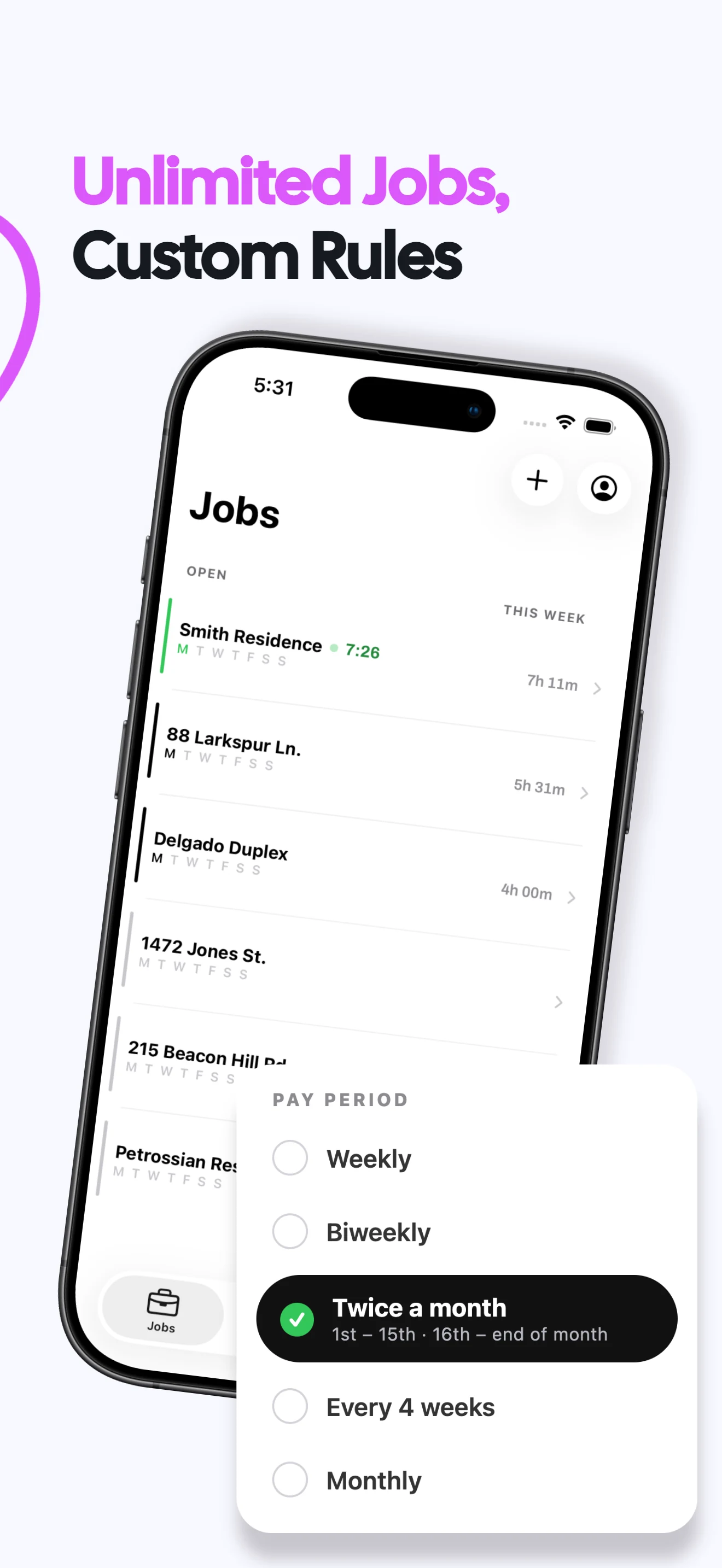

Track work hours by shift, job and pay period
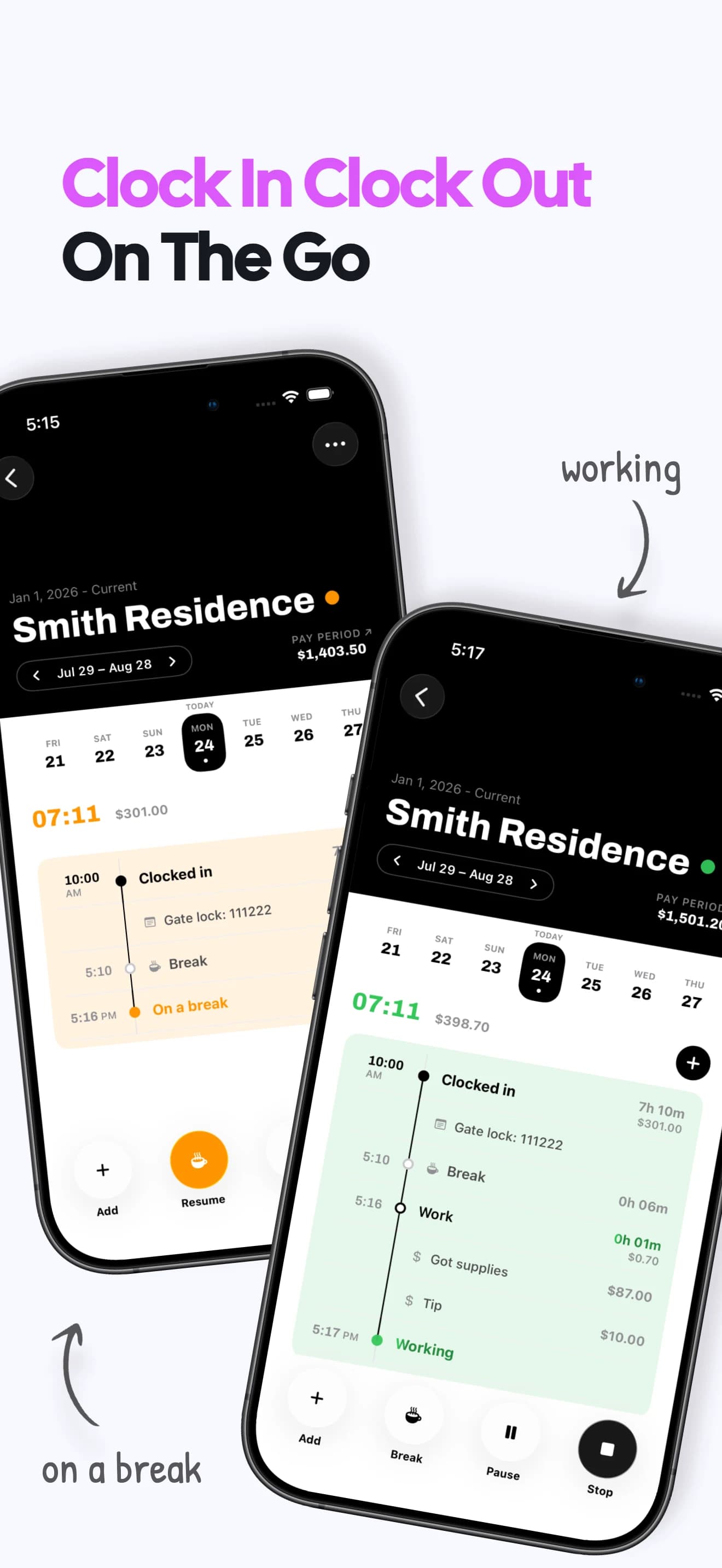
Capture every work shift
Use a live clock or manual entry to keep start, end and break details together.
See daily and period totals
Review hours for one day, week or the pay period your job actually uses.
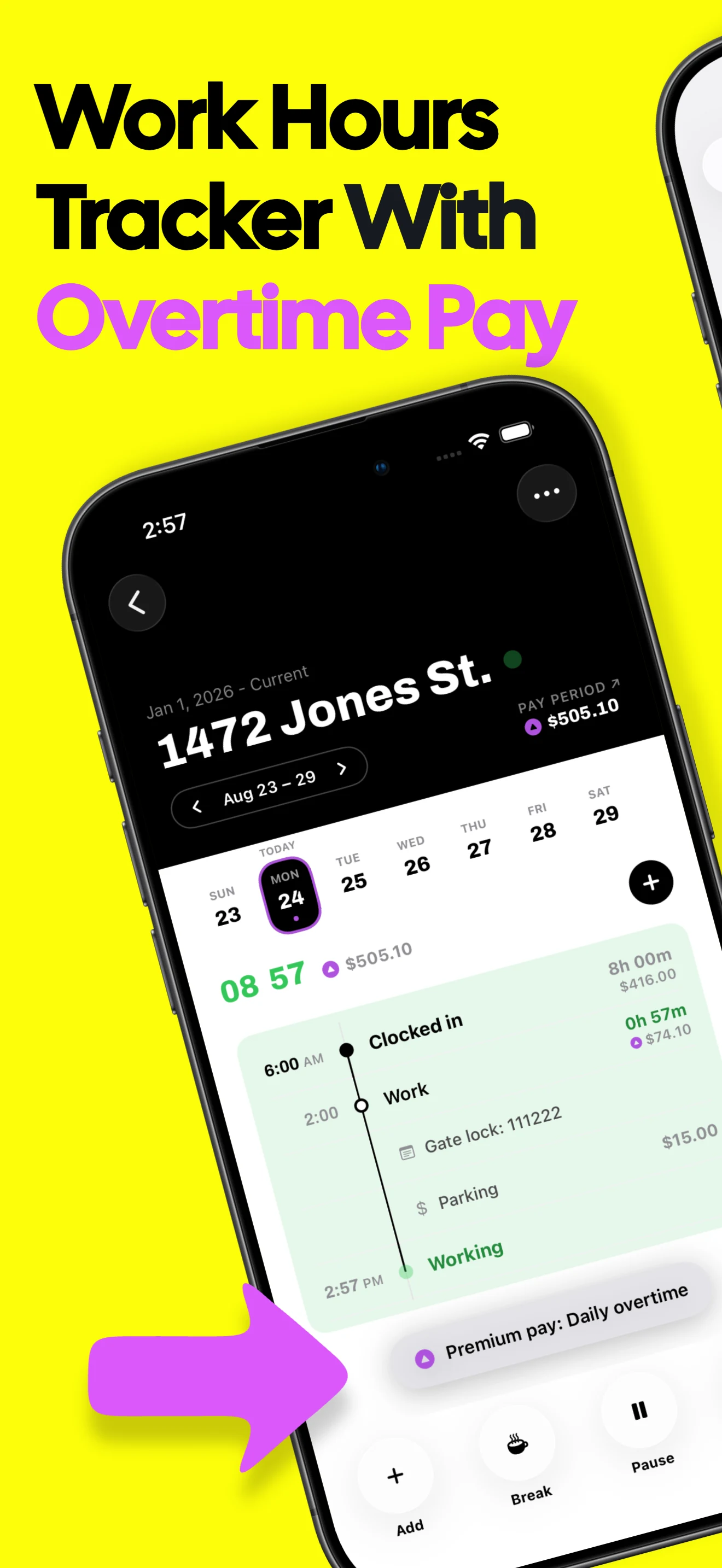
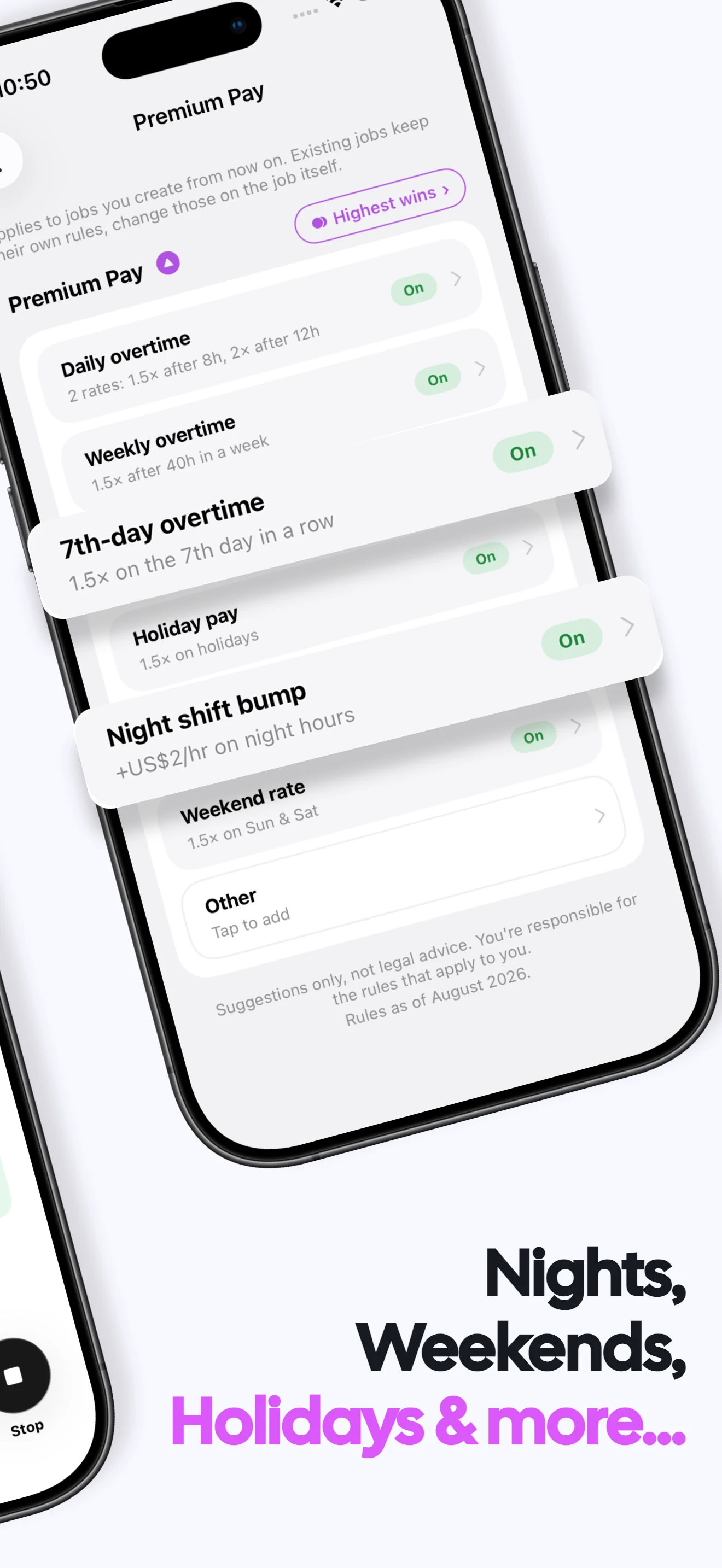
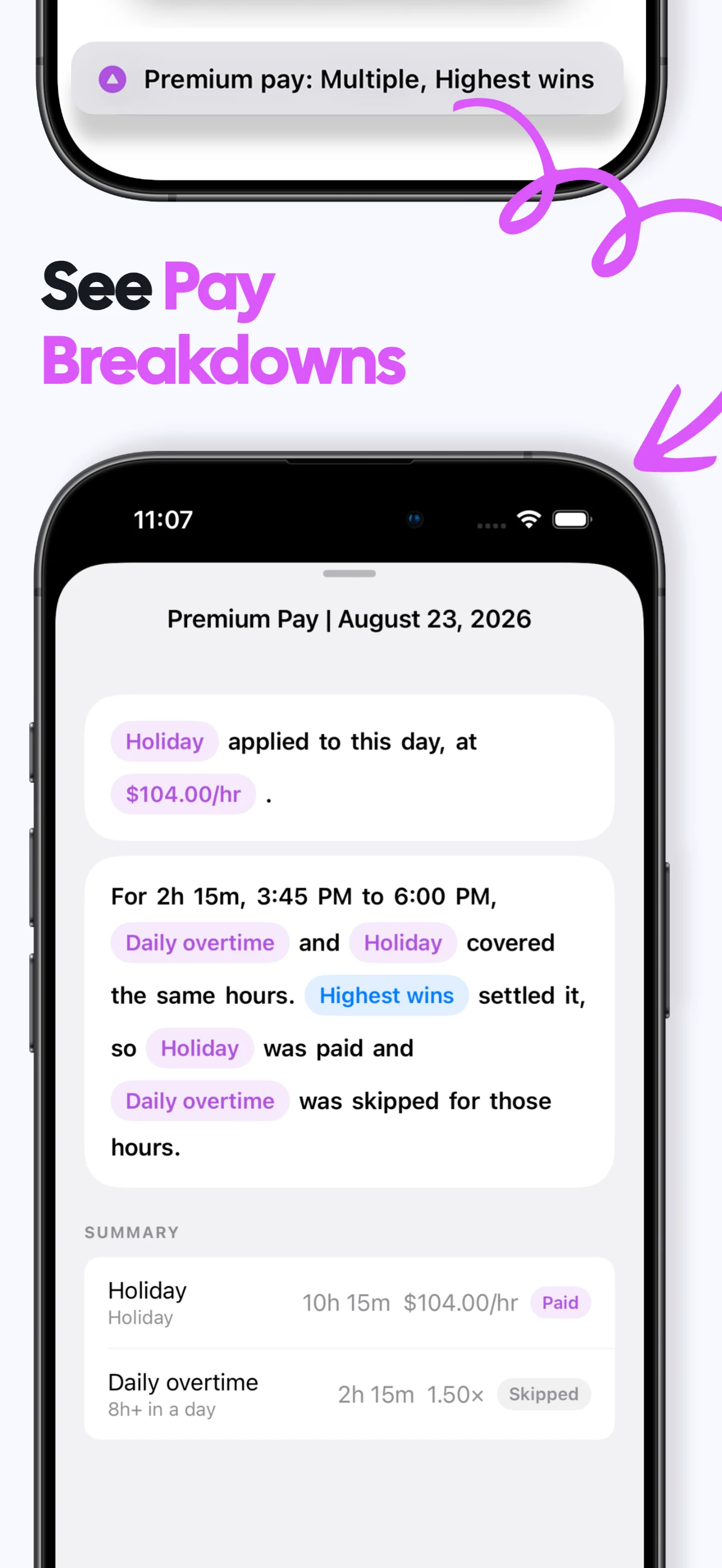
Separate overtime pay
Apply daily and weekly thresholds and show overtime apart from regular hours.
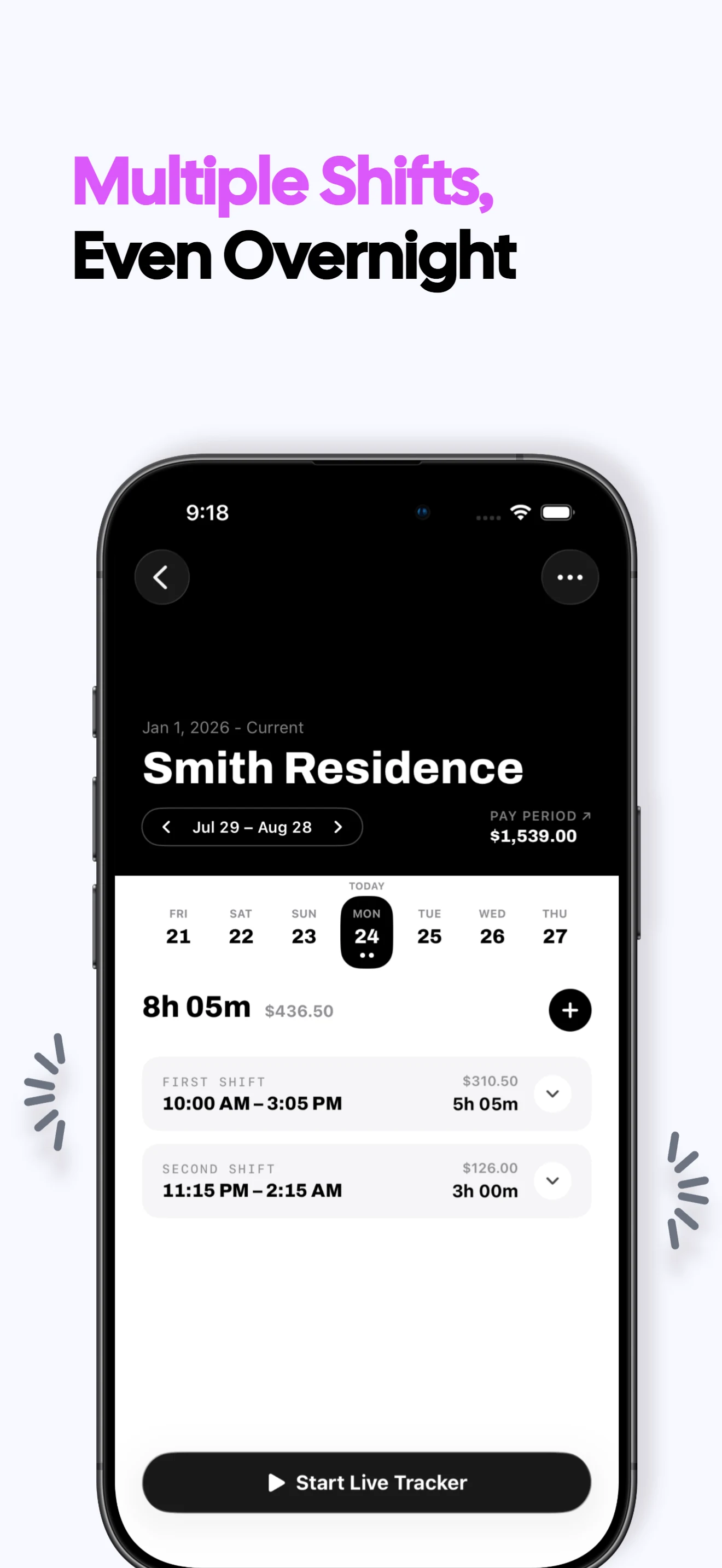
Handle overnight work
Keep a shift that crosses midnight intact and count real elapsed time.
Understand expected earnings
Trace estimated gross pay back to recorded time, rates and configured rules.
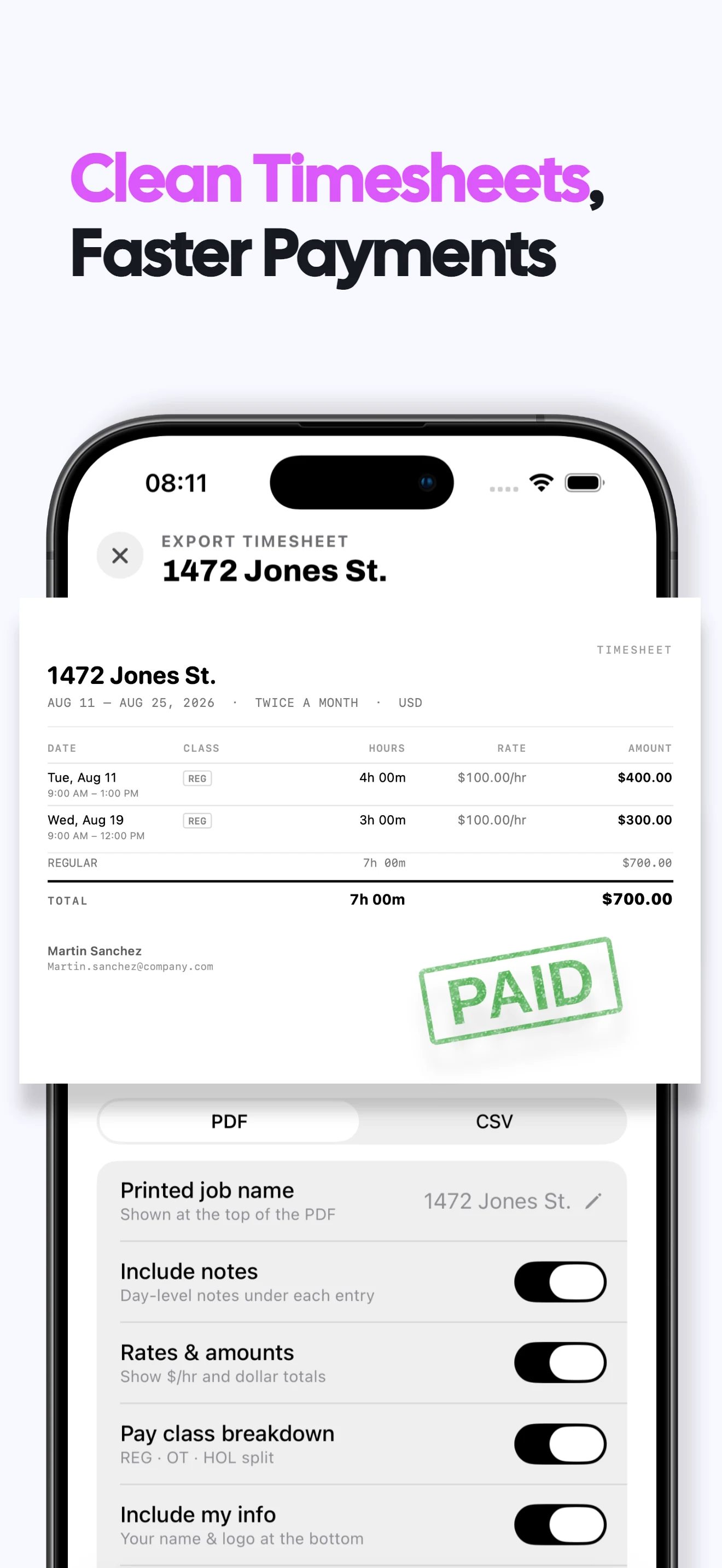
Export a work record
Create a PDF or CSV timesheet for one job and pay period.
Work hours tracker FAQs
Can I review hours by pay period?
Yes. Choose weekly, biweekly, twice-monthly, four-weekly or monthly schedules for each job.
Can the work hours tracker handle overnight shifts?
Yes. A cross-midnight shift remains one record and uses real elapsed time.
Can it show regular and overtime hours separately?
Yes. Valio uses your job's configured thresholds to split the recorded time.
Can I use the export as my own work-hours record?
Yes. Export the underlying shifts and totals as PDF or CSV. Work-record guide →
What does Valio cost?
A one week free trial, then $6.99/month or $49.99/year in the US. Regional prices vary. Viewing and exporting existing records stays free after a subscription ends; recording new work requires a subscription. Subscription terms →
Are my work records private?
Your hours, jobs and rates stay on your iPhone. No login or cloud sync is required, and Valio does not receive those work records. Privacy policy →