
Clock In And Out Hours Tracker
Clock in and out on iPhone, record breaks, calculate worked hours and see expected pay. Add missed shifts and export clean work records with Valio.

Clock in, clock out and keep the full record
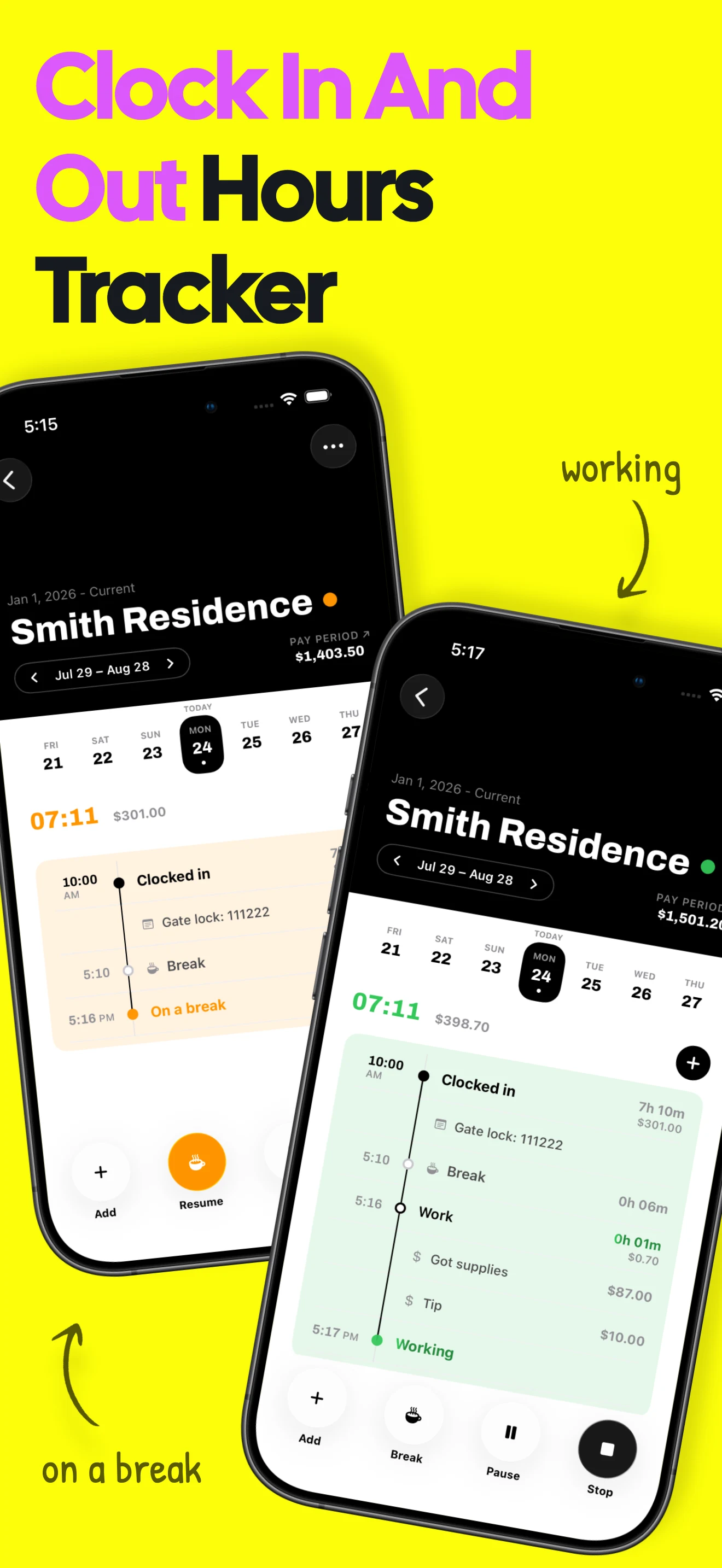
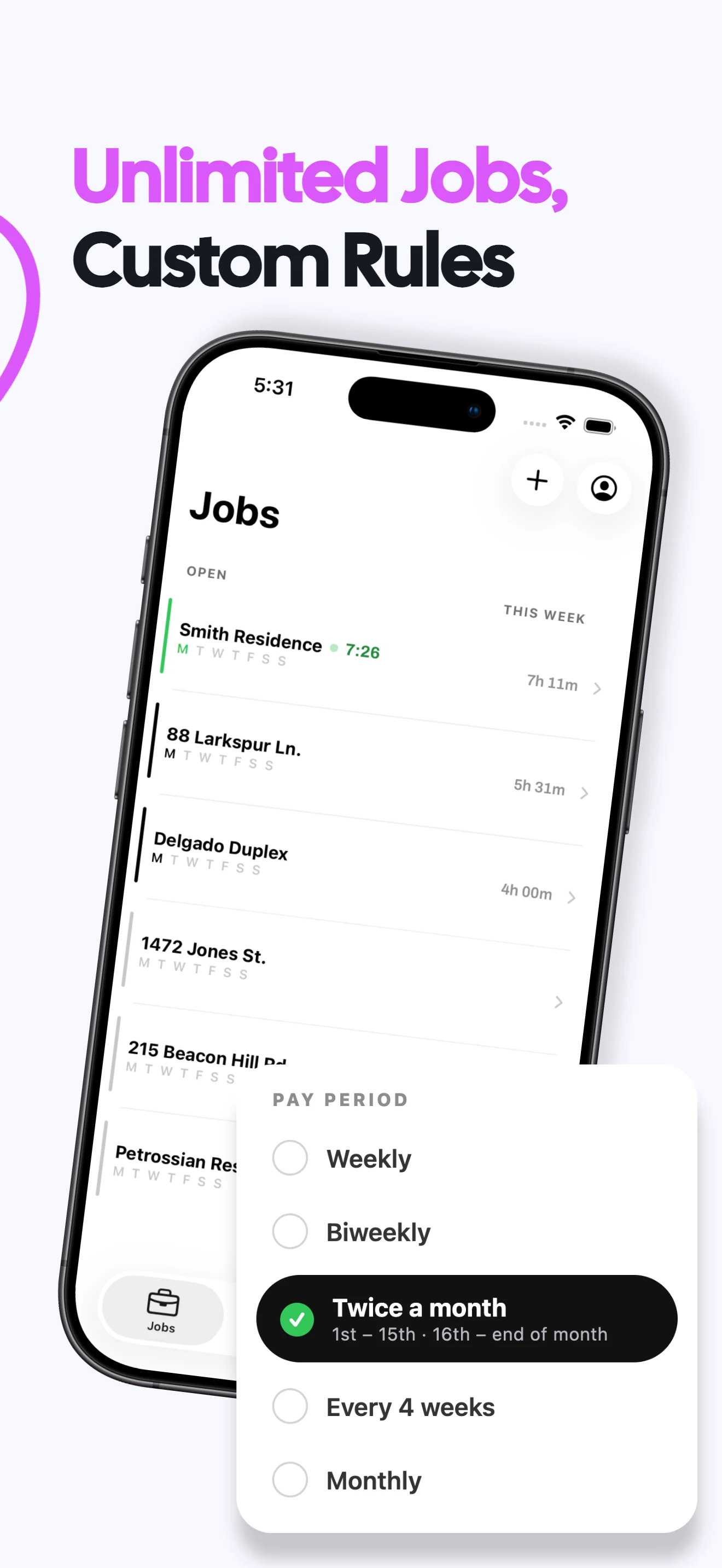
Start work in one tap
Choose a job and start a live shift without building a schedule first.
Record every break
Pause for paid or unpaid breaks and keep each break attached to the shift.
See hours as they add up
Follow the live duration while working and review the completed total after clocking out.
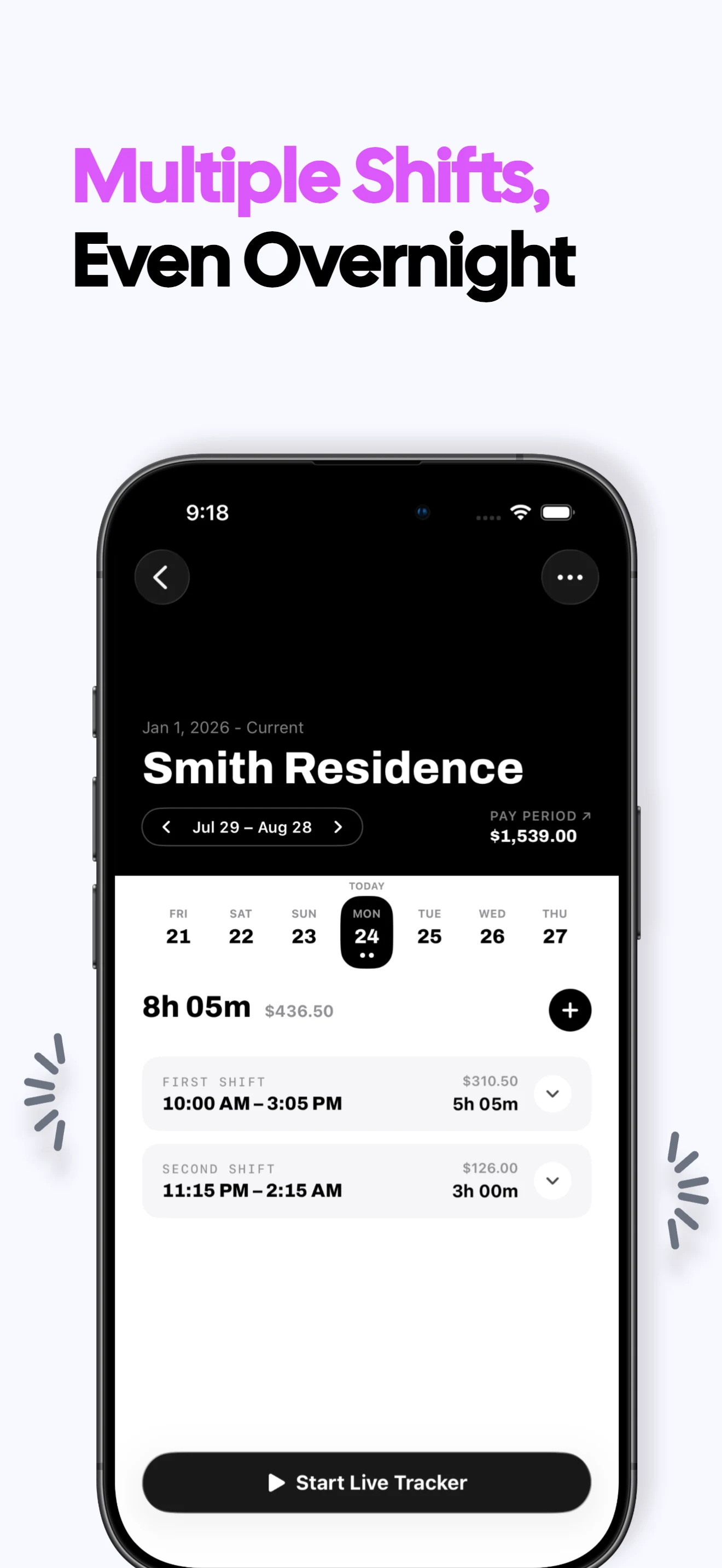
Fix a missed punch
Adjust a start or end time or add a forgotten shift manually when real life gets messy.
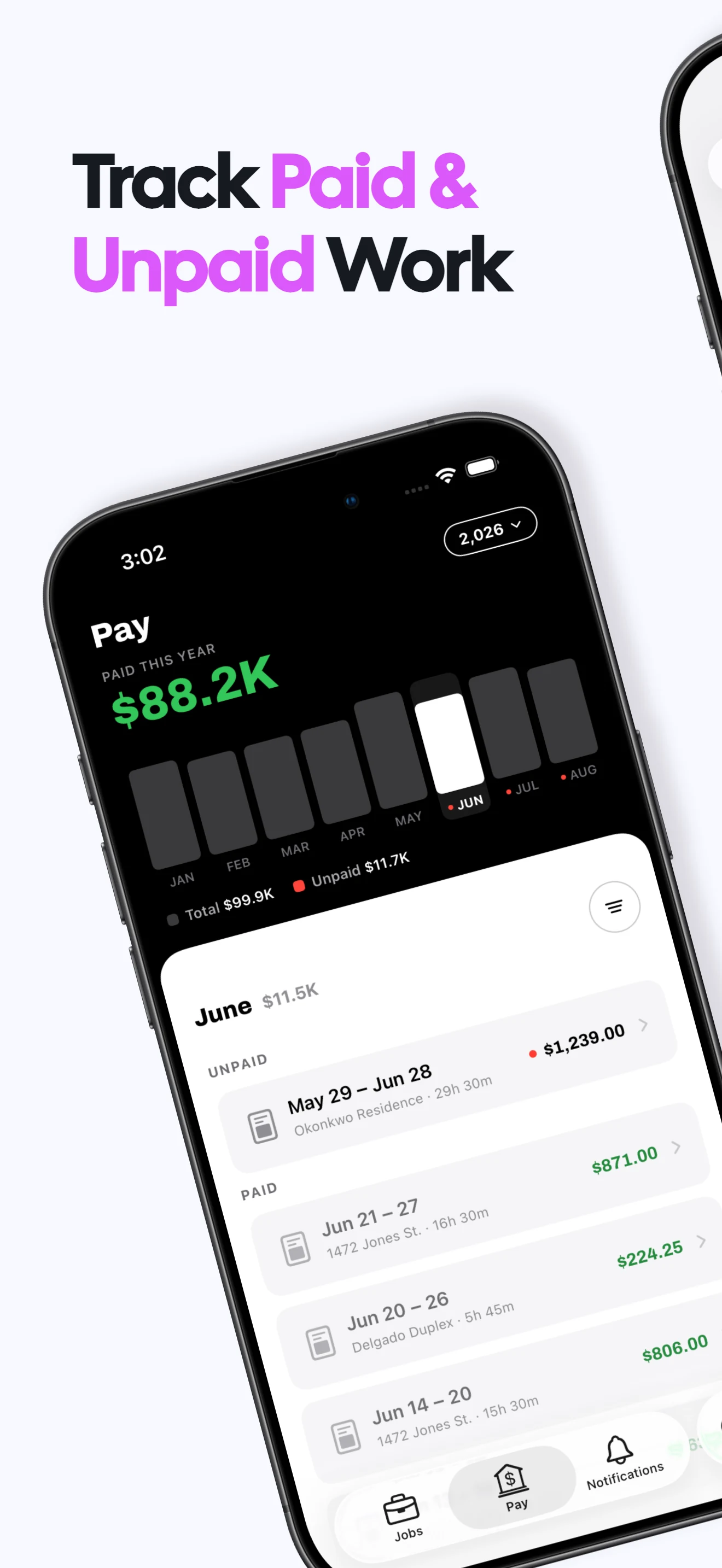
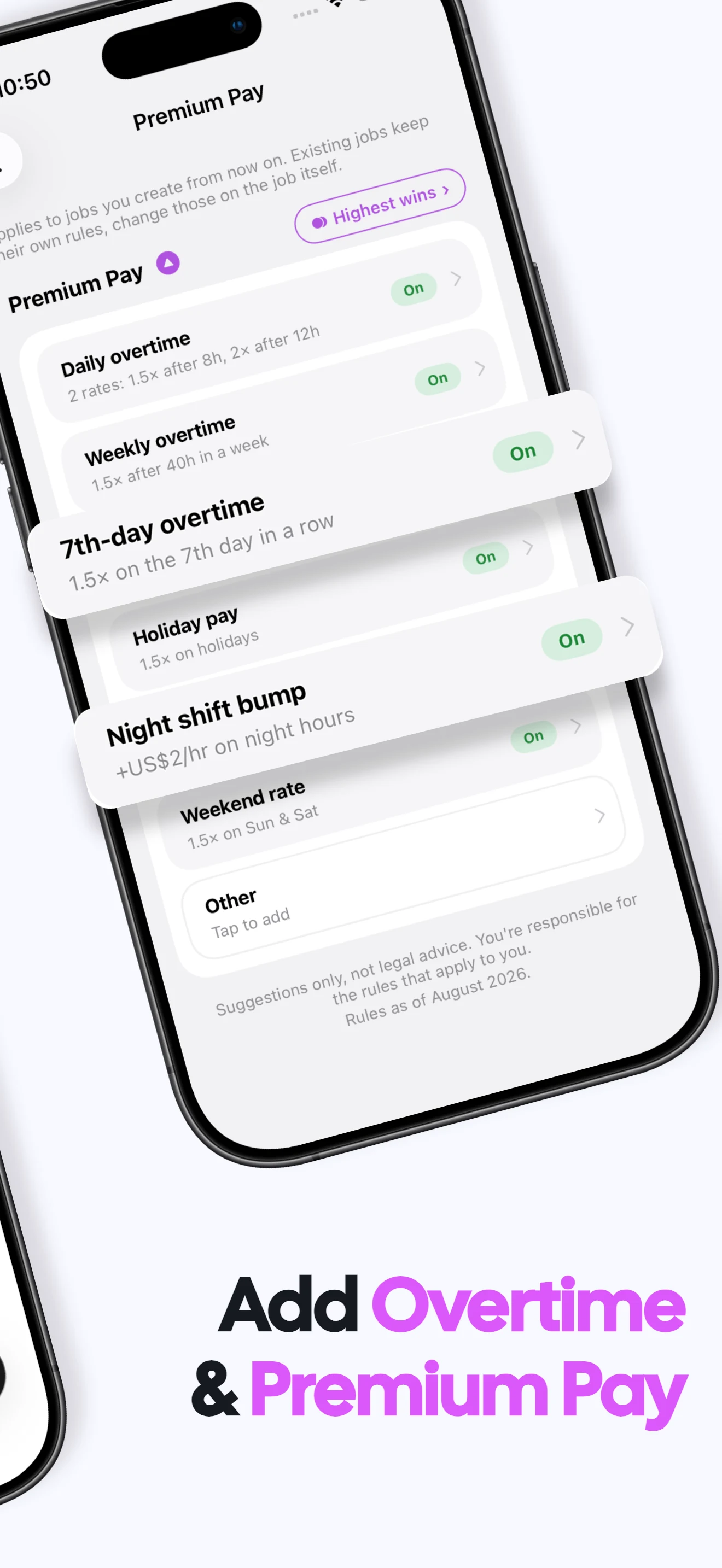
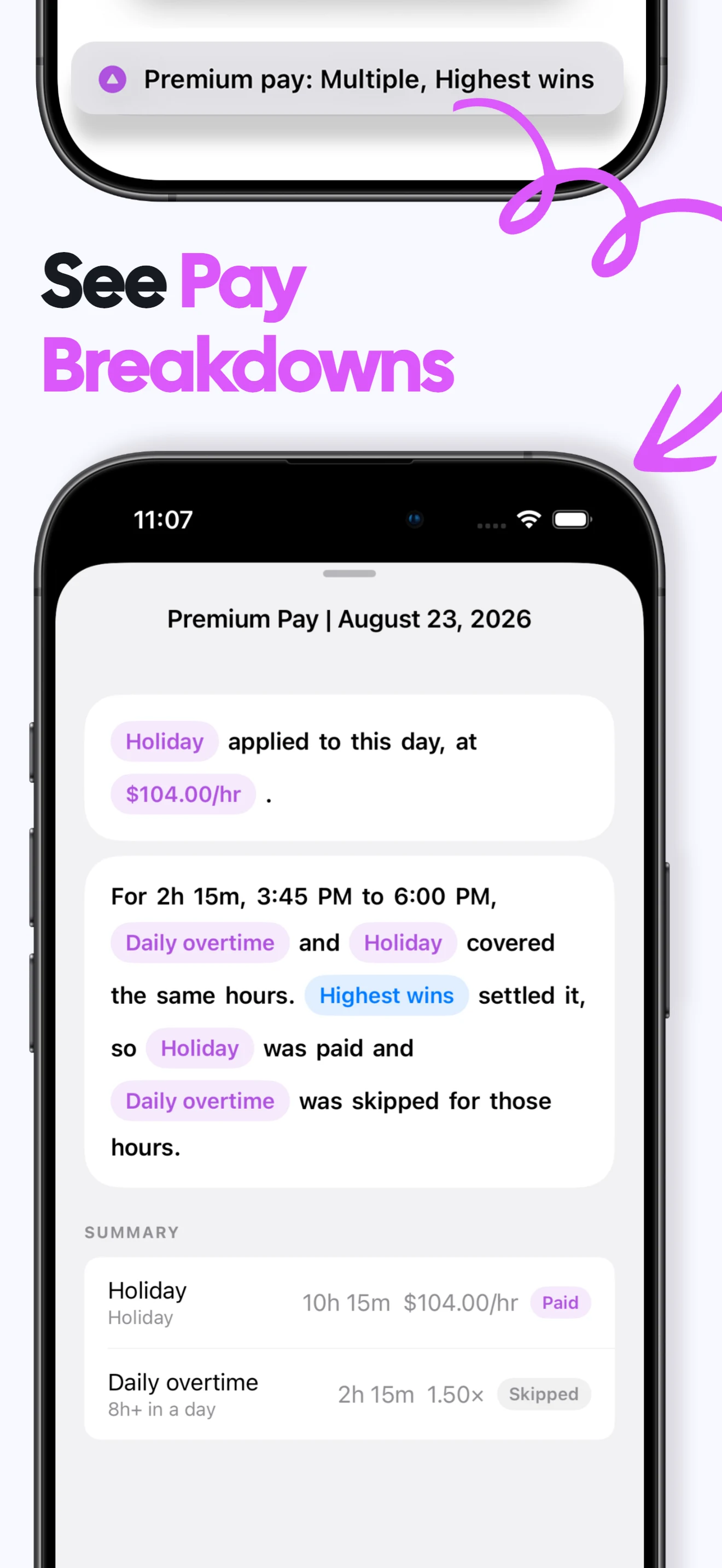
Connect hours to pay
Use the job's rate and overtime rules to estimate gross earnings from the recorded time.
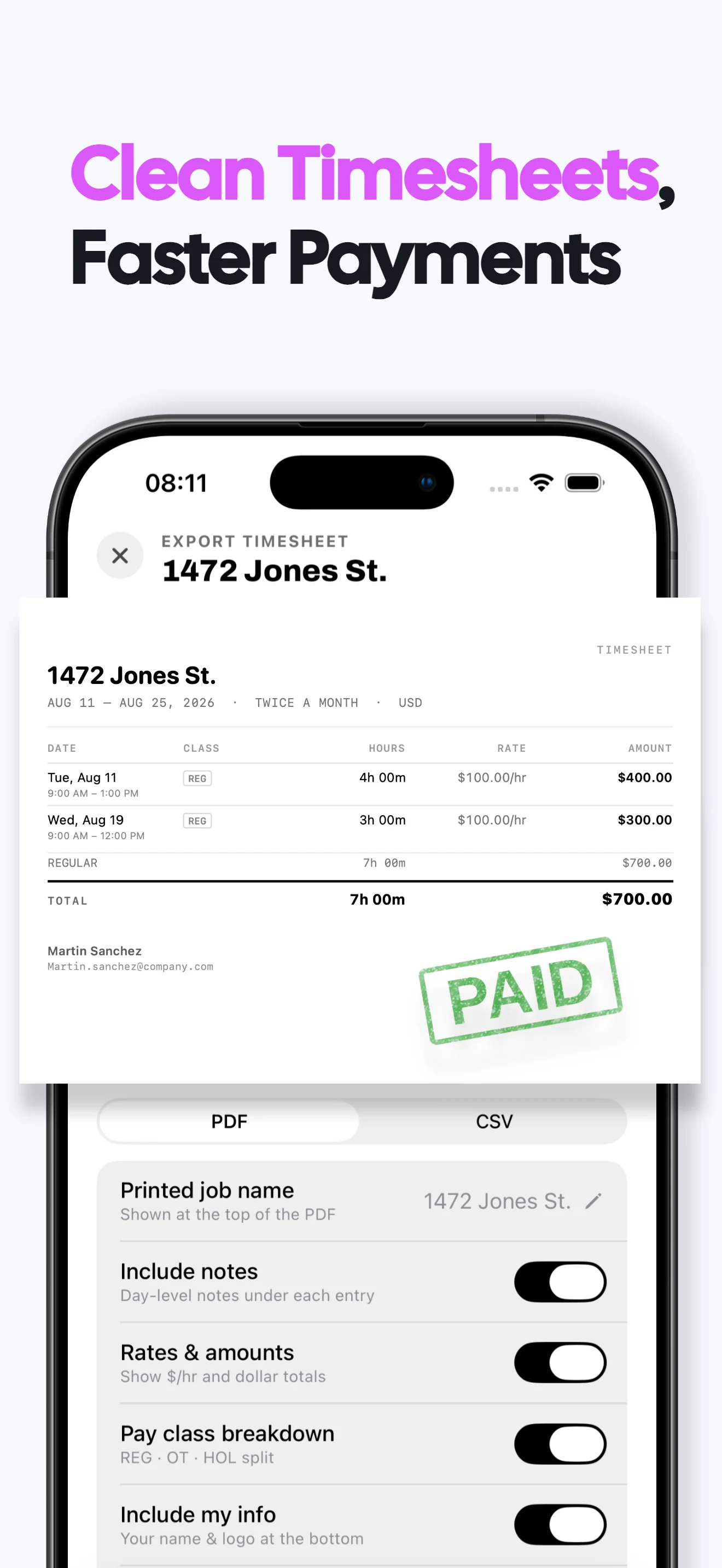
Share the result
Export completed pay periods as clear PDF or CSV work records.
Clock in and out app FAQs
Can I track breaks while clocked in?
Yes. Add breaks to a running shift, then resume work when the break ends.
What if I forget to clock in or out?
You can enter a missed shift manually or edit its start and end times later.
Does Valio calculate my worked hours?
Yes. It calculates elapsed work time from the shift timeline, with recorded breaks included in the history.
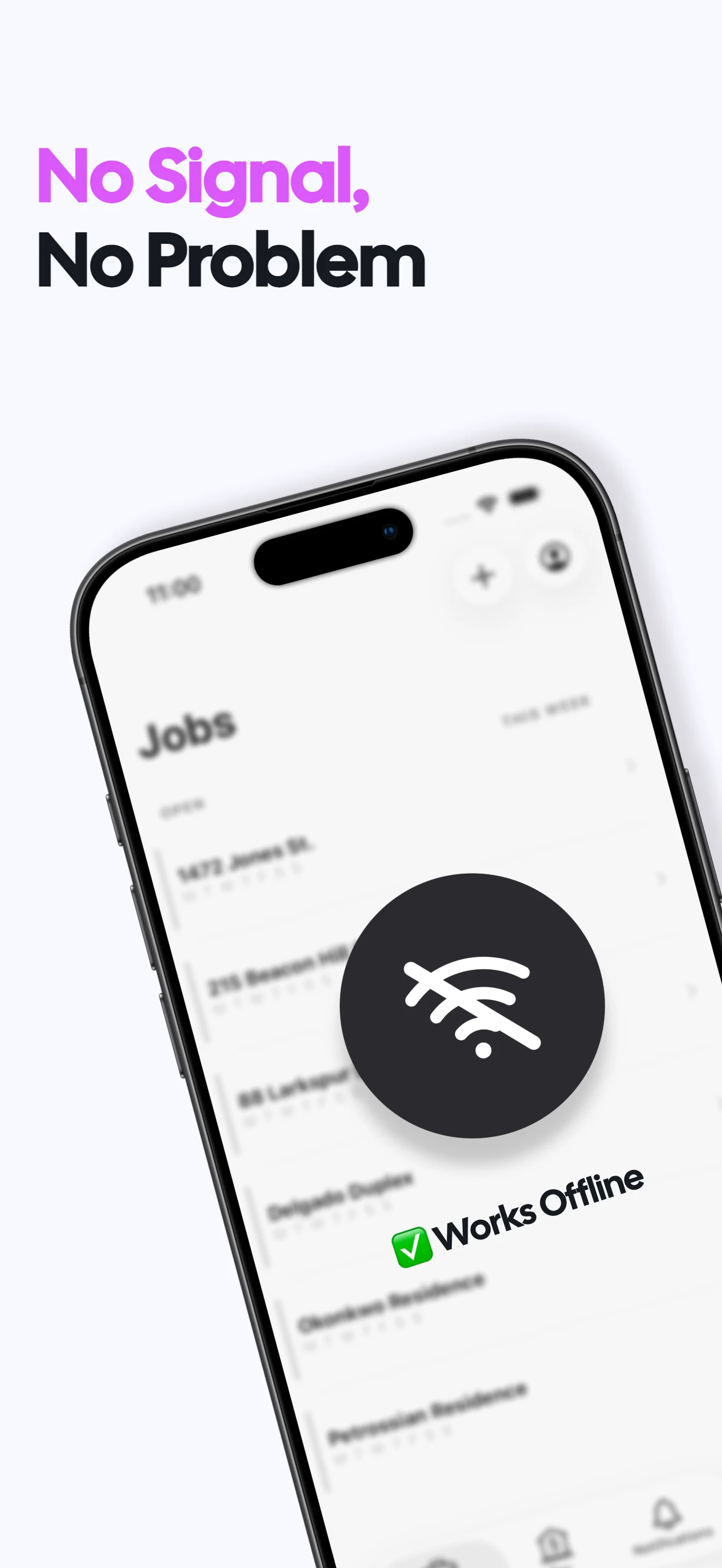
Can I clock in without a signal?
Yes. Valio works offline and does not require an account. Clock-in guide →
What does Valio cost?
A one week free trial, then $6.99/month or $49.99/year in the US. Regional prices vary. Viewing and exporting existing records stays free after a subscription ends; recording new work requires a subscription. Subscription terms →
Are my work records private?
Your hours, jobs and rates stay on your iPhone. No login or cloud sync is required, and Valio does not receive those work records. Privacy policy →