
Simple Timesheet Tracker
Build a simple personal timesheet from recorded work hours. Review shifts and expected pay, export PDF or CSV, and mark periods sent or paid.

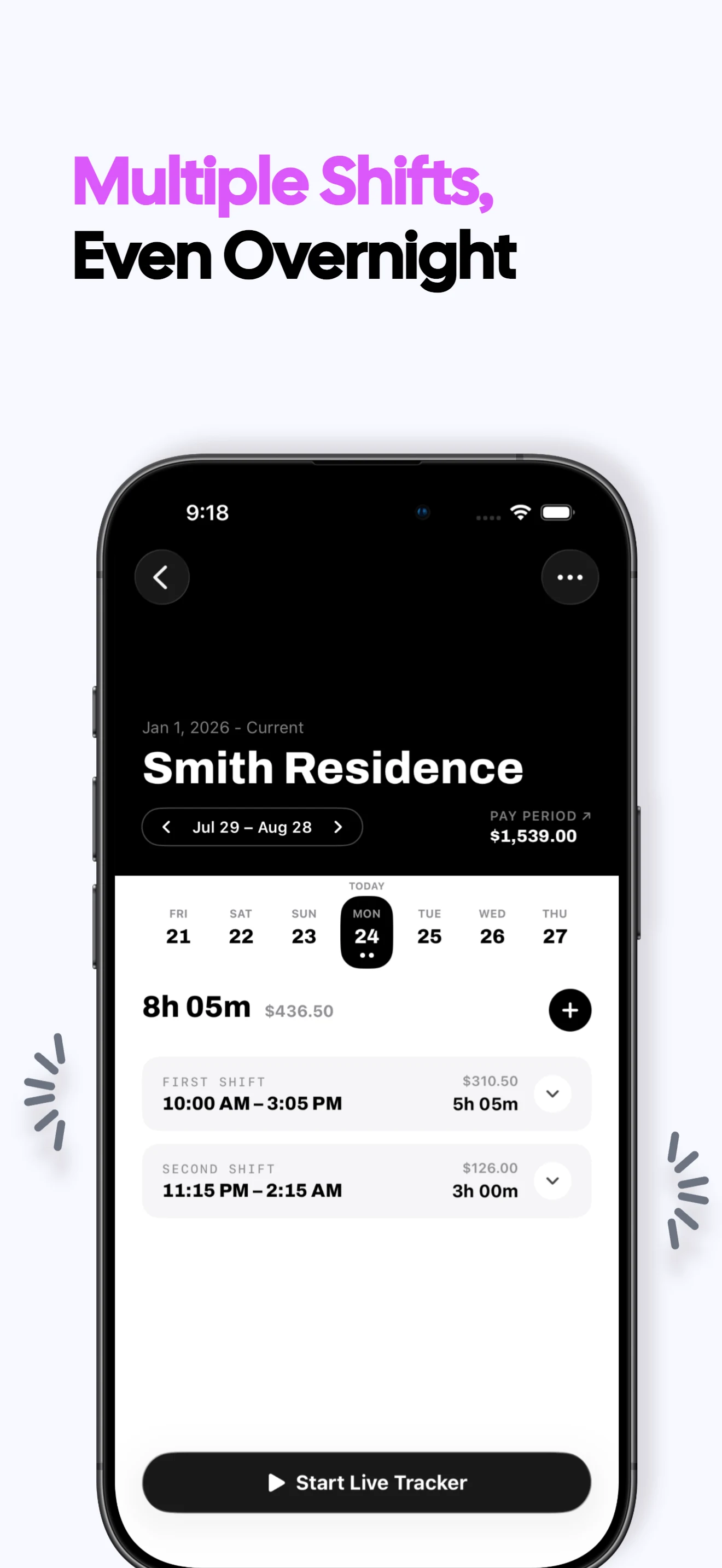

Turn recorded shifts into a clear timesheet
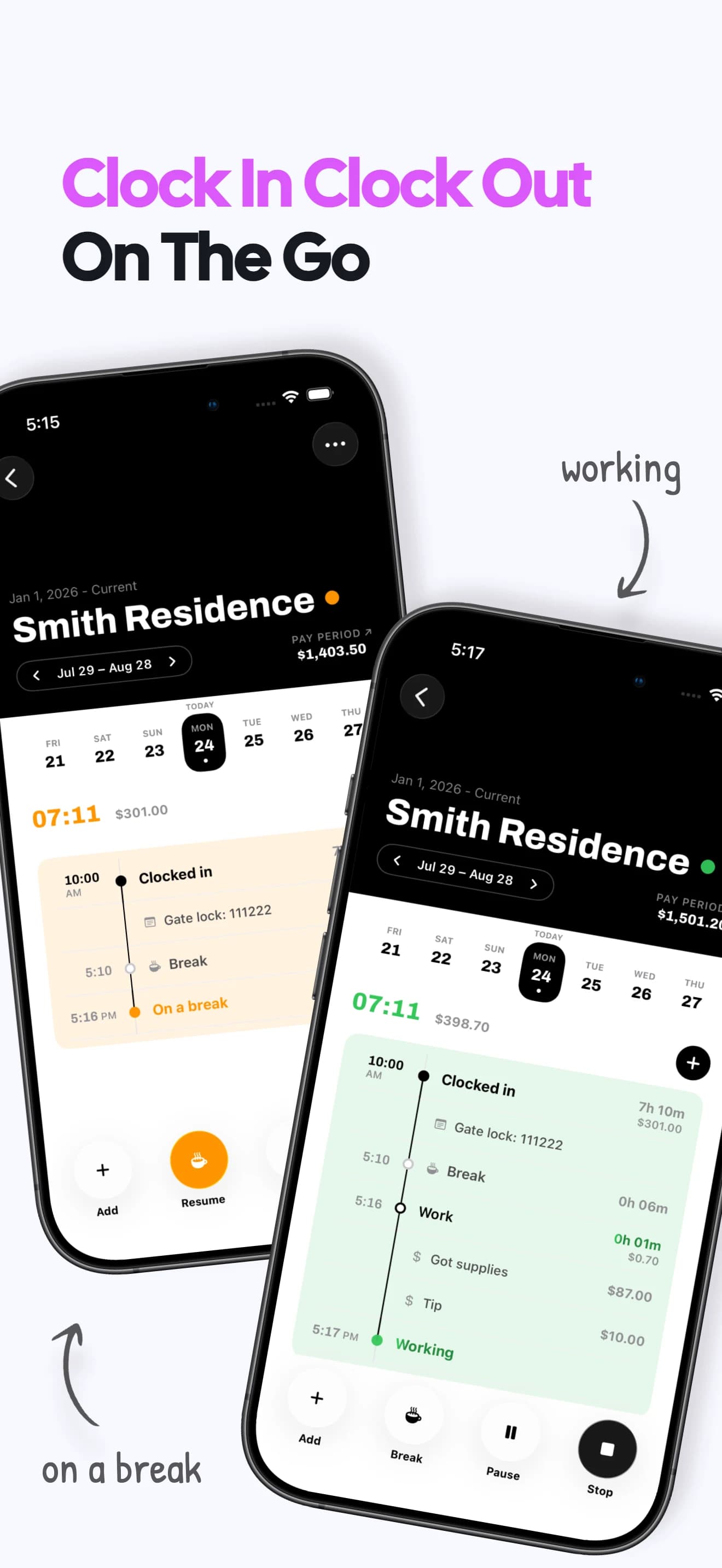
Build it while you work
Clock shifts or add them later so the timesheet grows from the underlying record.
Review before closing
Check shifts, breaks, notes, hours and expected earnings before finalizing the period.
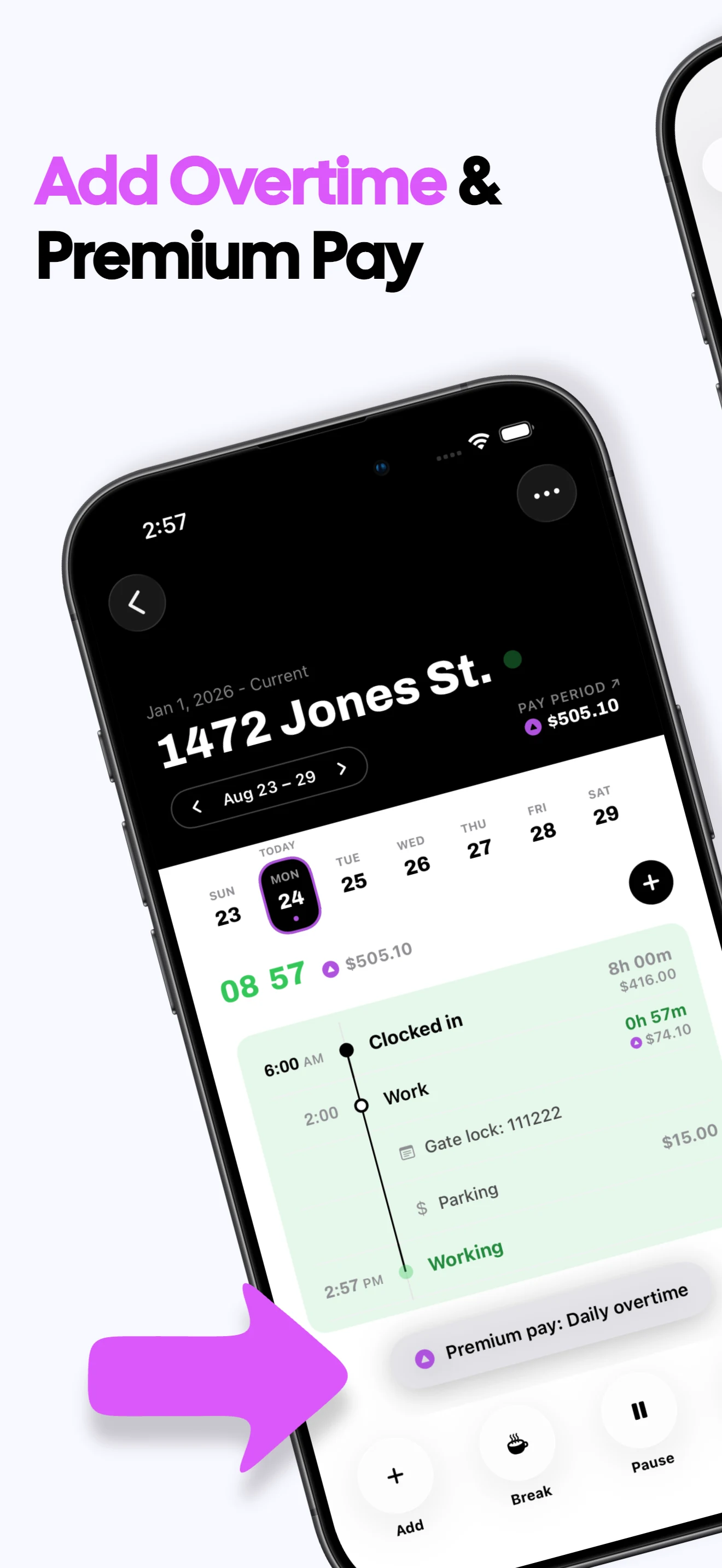
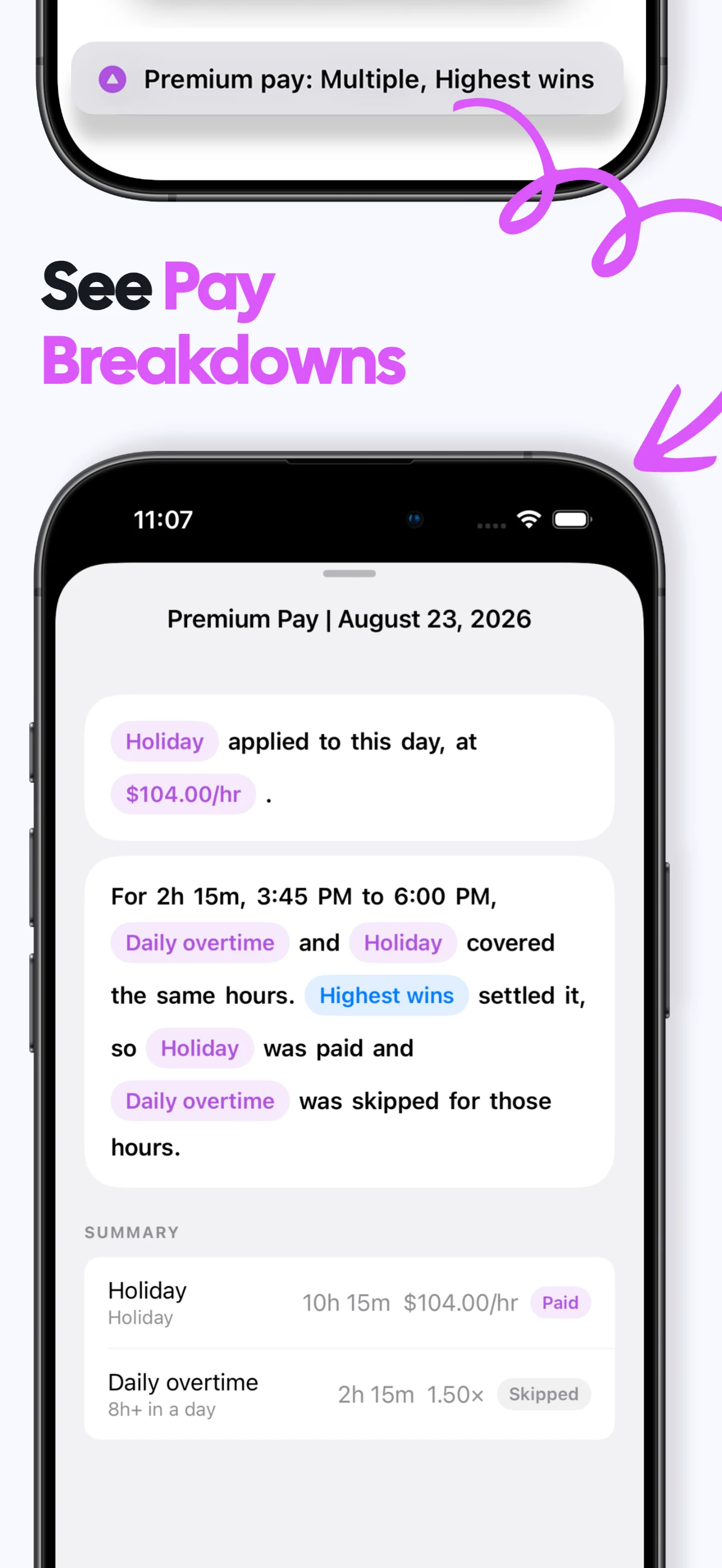
Separate pay classes
Show regular, overtime and other premiums as distinct lines when useful.
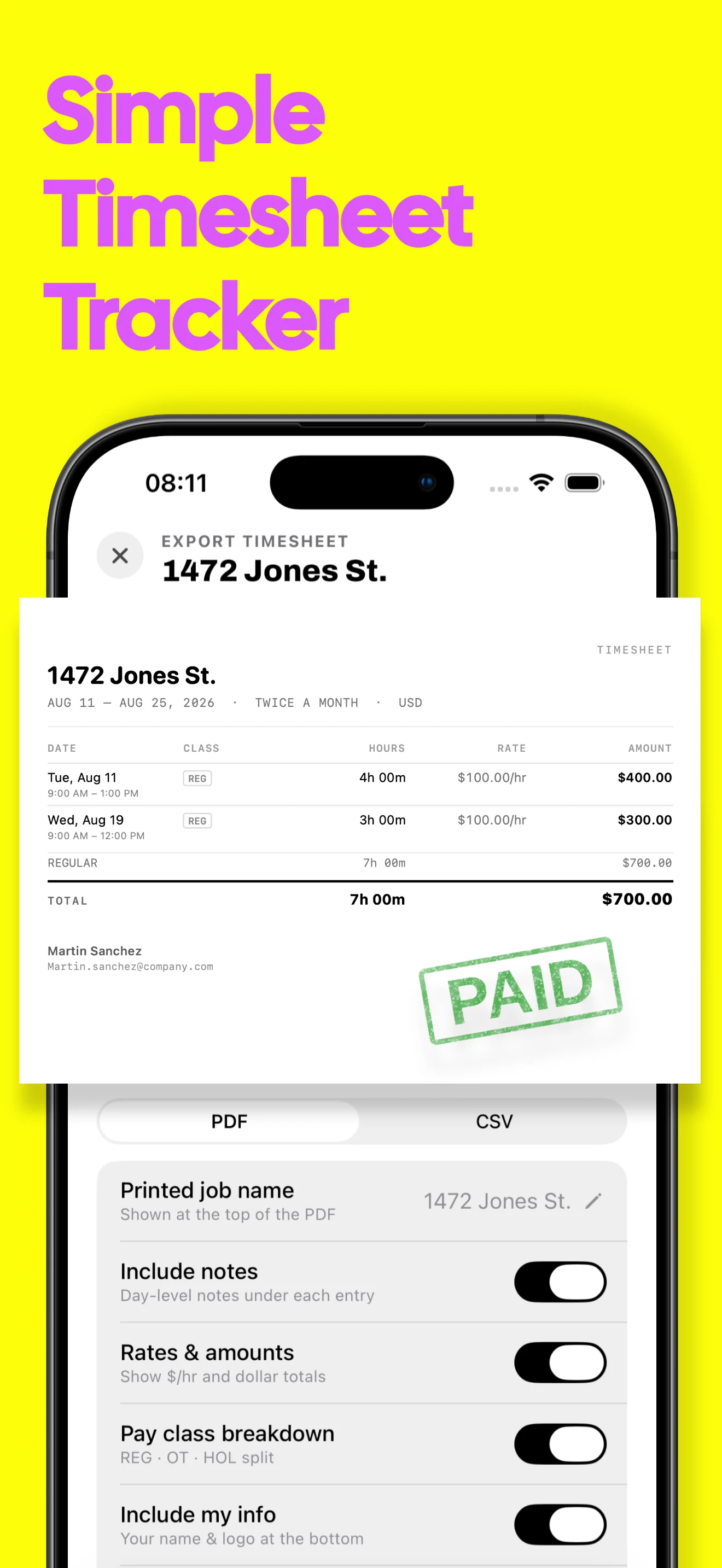
Export PDF or CSV
Choose a polished document or structured data for your employer, client or own records.
Control what appears
Include or omit notes, rates, amounts, pay classes and your contact information.
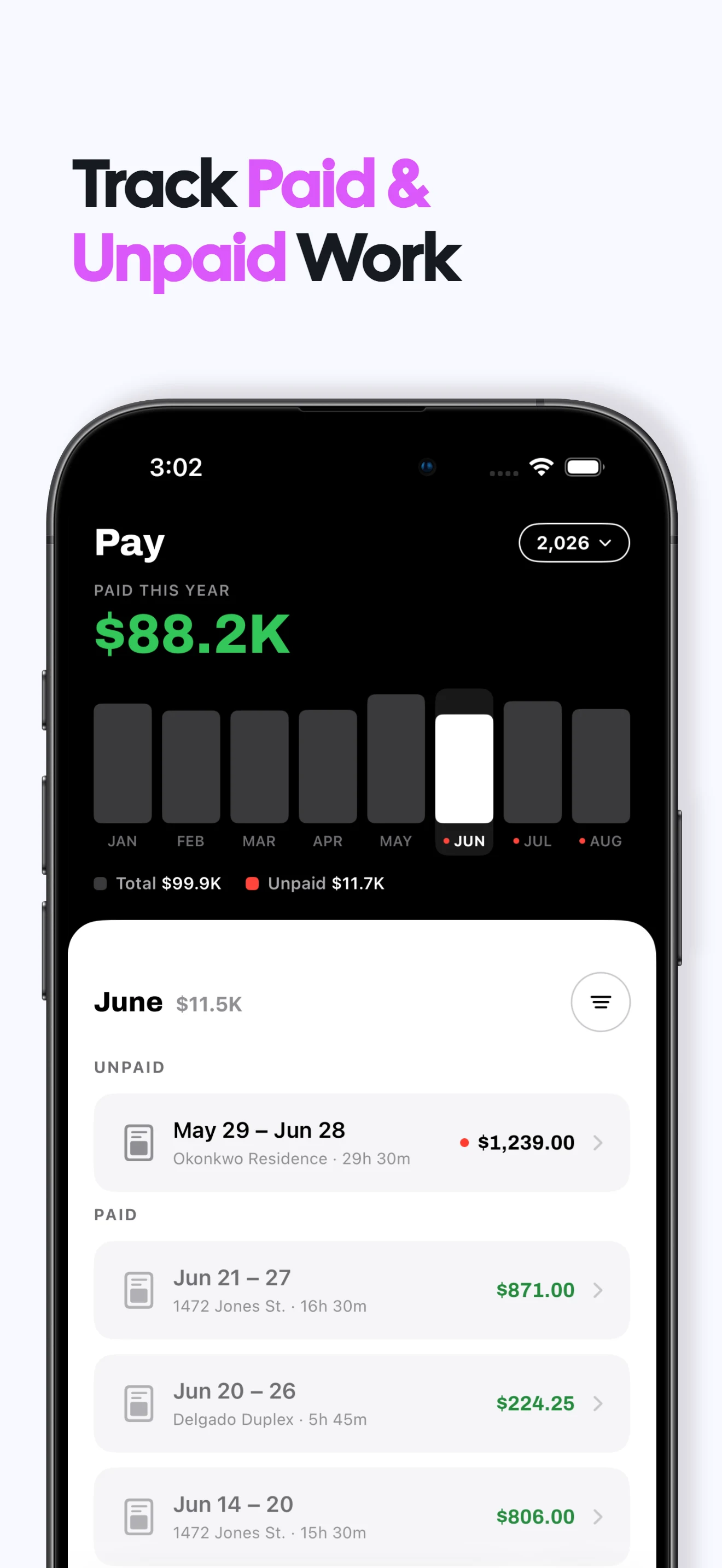
Track the follow-through
Mark a pay period sent, paid or unpaid without turning Valio into a payment processor.
Timesheet tracker FAQs
Does the timesheet come from my recorded shifts?
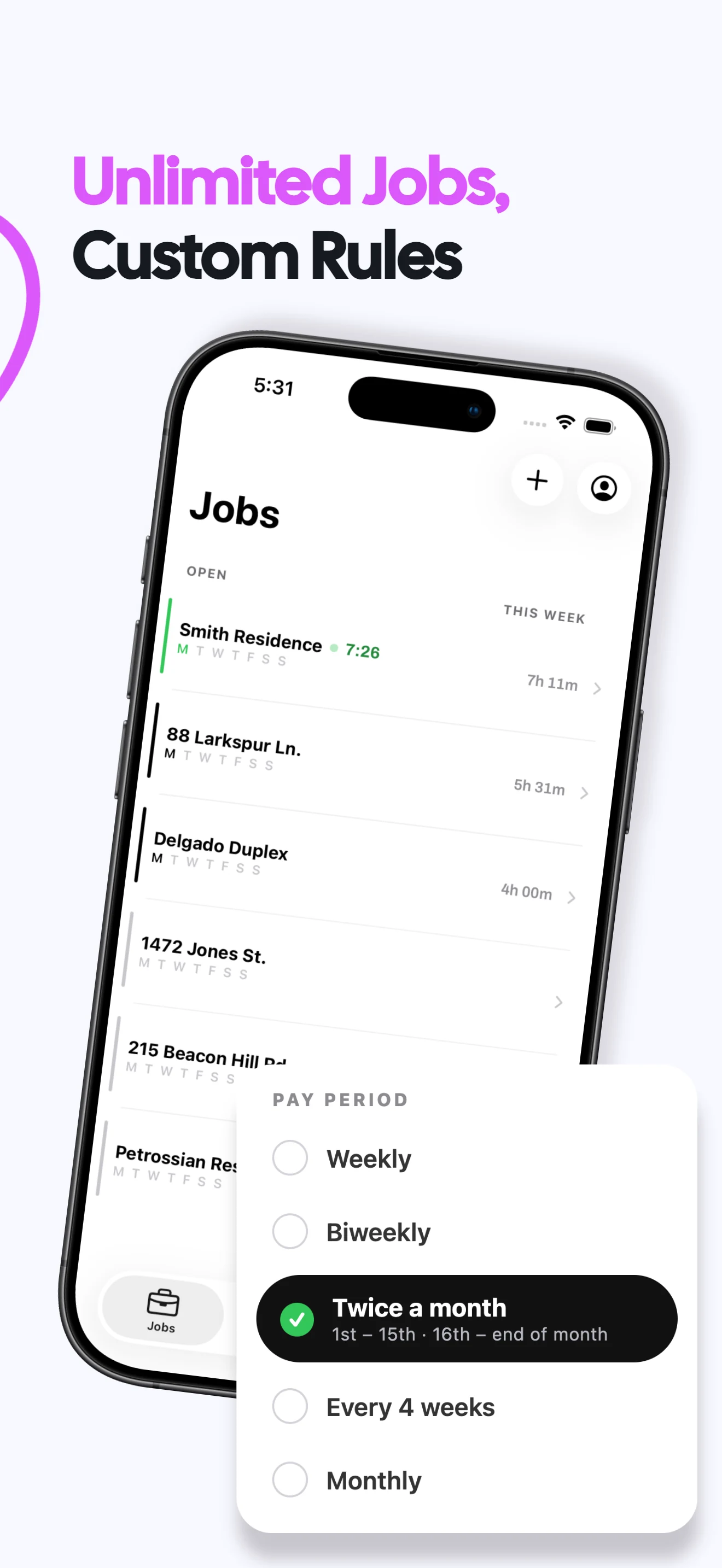
Yes. Valio groups each job's shifts into its configured pay period.
Can I export both PDF and CSV?
Yes. PDF creates a readable work record; CSV provides structured rows for another tool.
Can I hide rates or personal details?
Yes. Choose which optional details appear before exporting.
Can I track whether a timesheet was paid?
Yes. Mark the period sent, paid or unpaid for your own follow-up. Timesheet guide →
What does Valio cost?
A one week free trial, then $6.99/month or $49.99/year in the US. Regional prices vary. Viewing and exporting existing records stays free after a subscription ends; recording new work requires a subscription. Subscription terms →
Are my work records private?
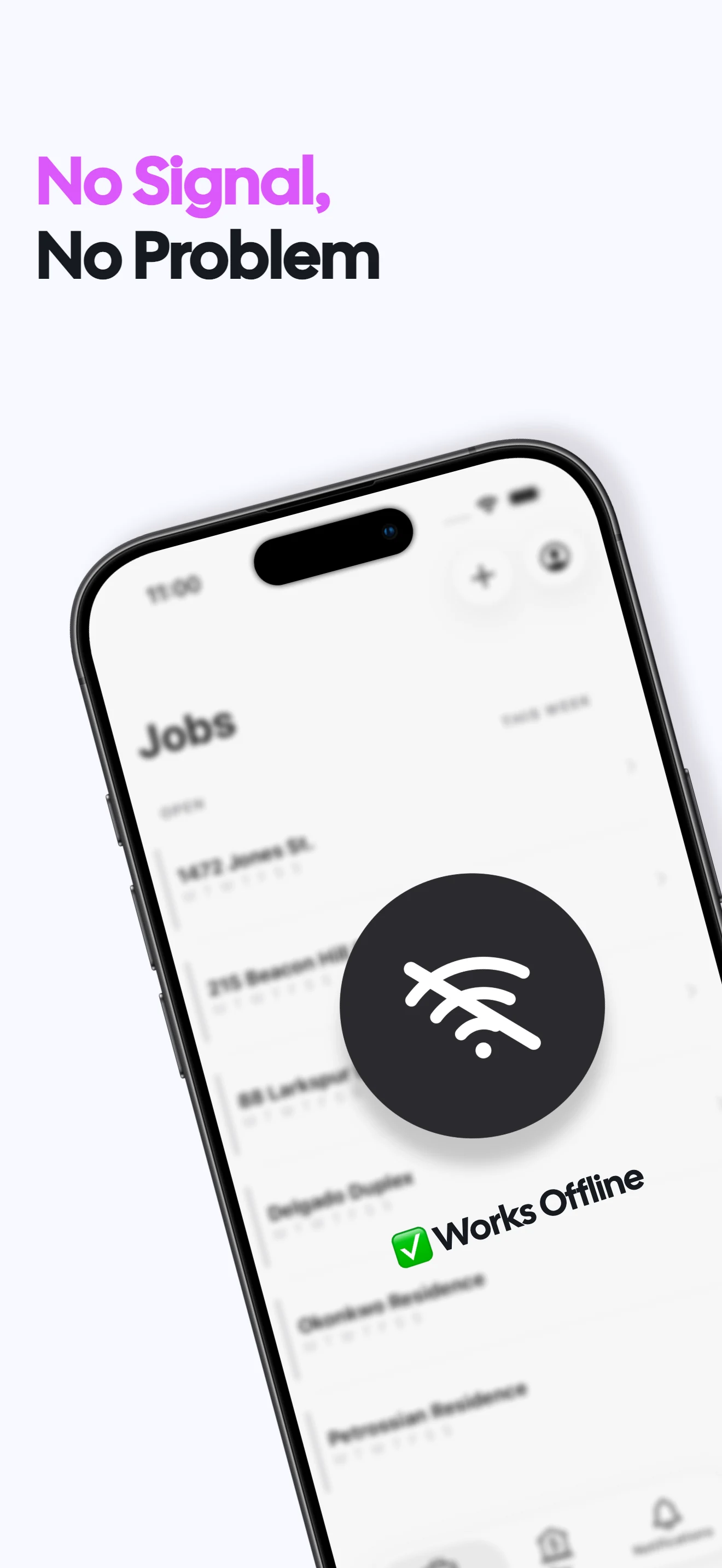
Your hours, jobs and rates stay on your iPhone. No login or cloud sync is required, and Valio does not receive those work records. Privacy policy →