
Valio Work Hour Tracker
Use Valio to track work hours, expected pay, overtime, separate jobs and pay periods on iPhone, then export clear PDF or CSV records.
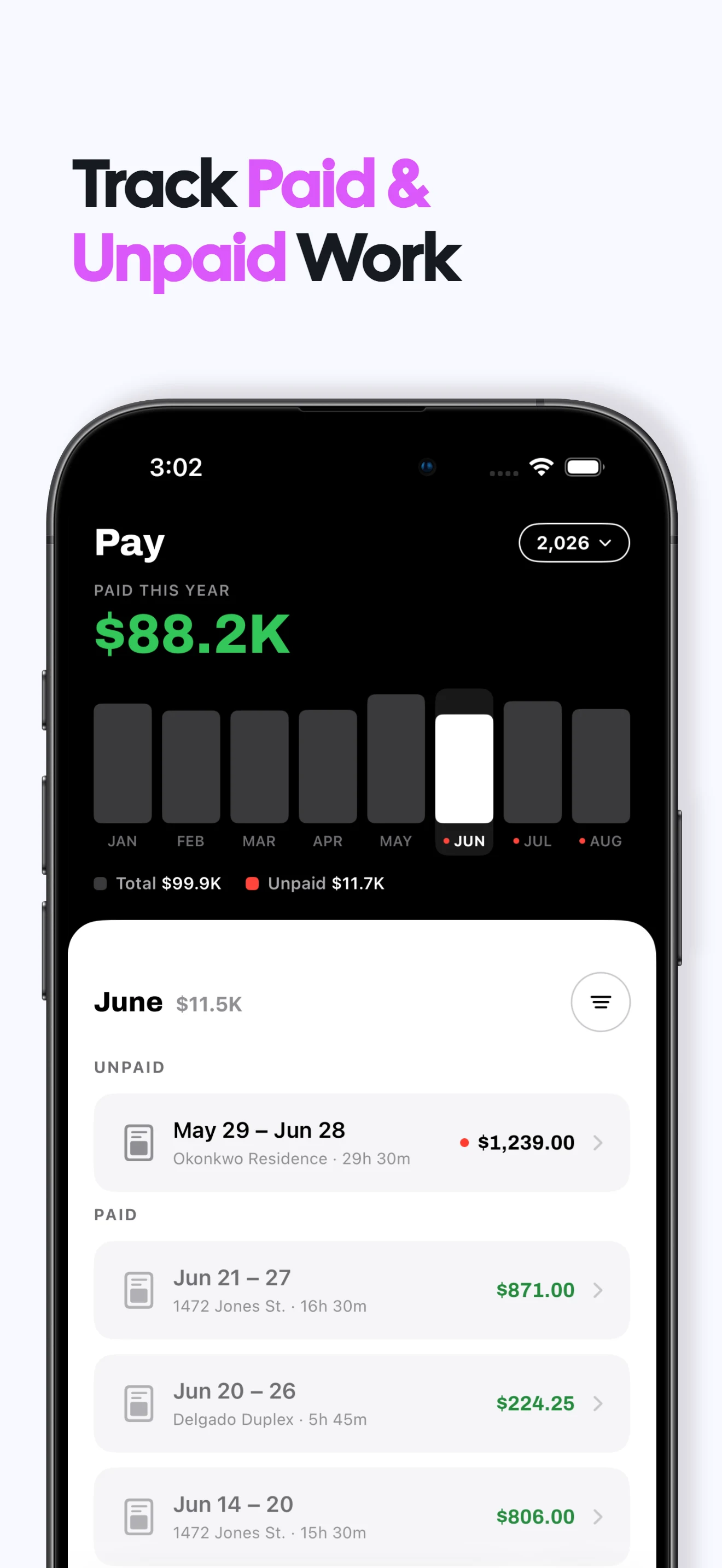

Work hours and expected pay in one place
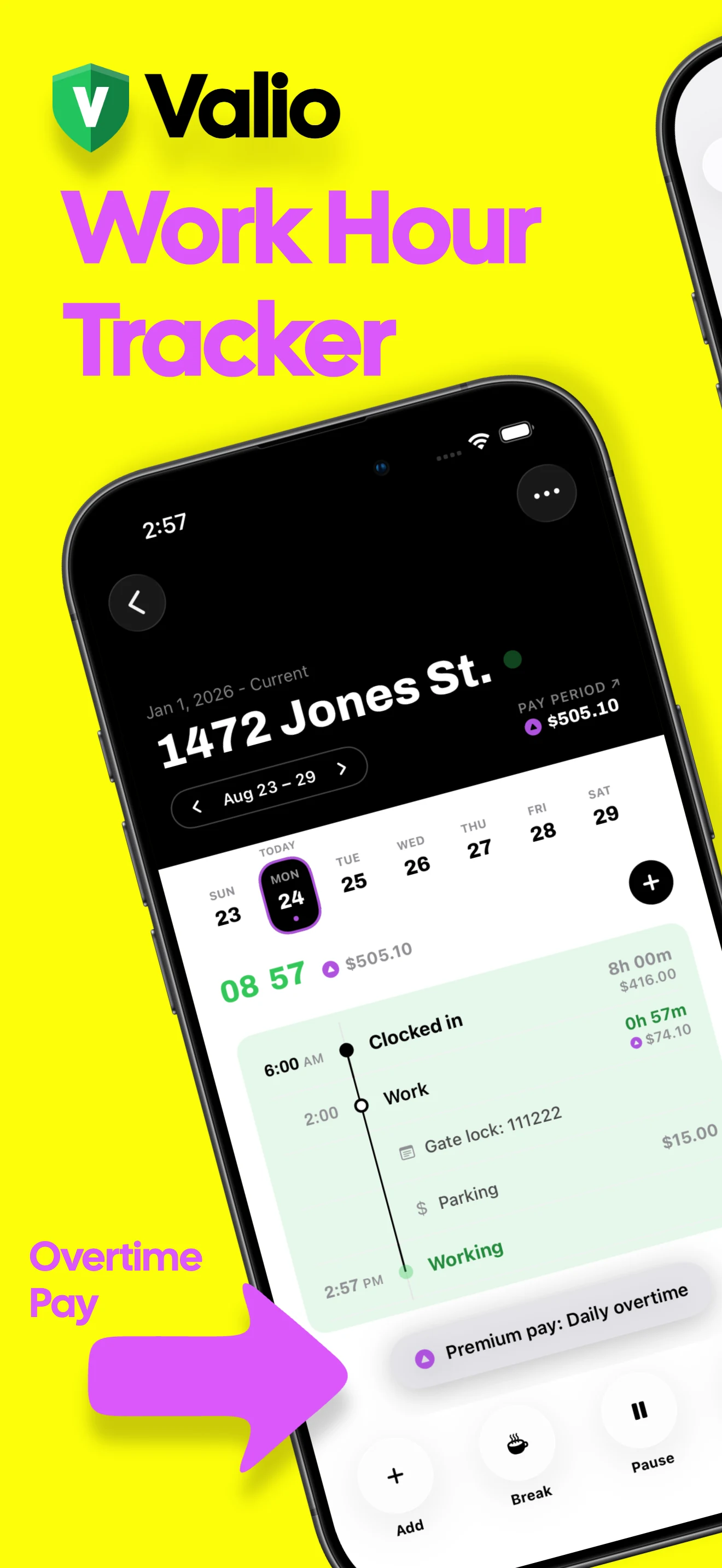
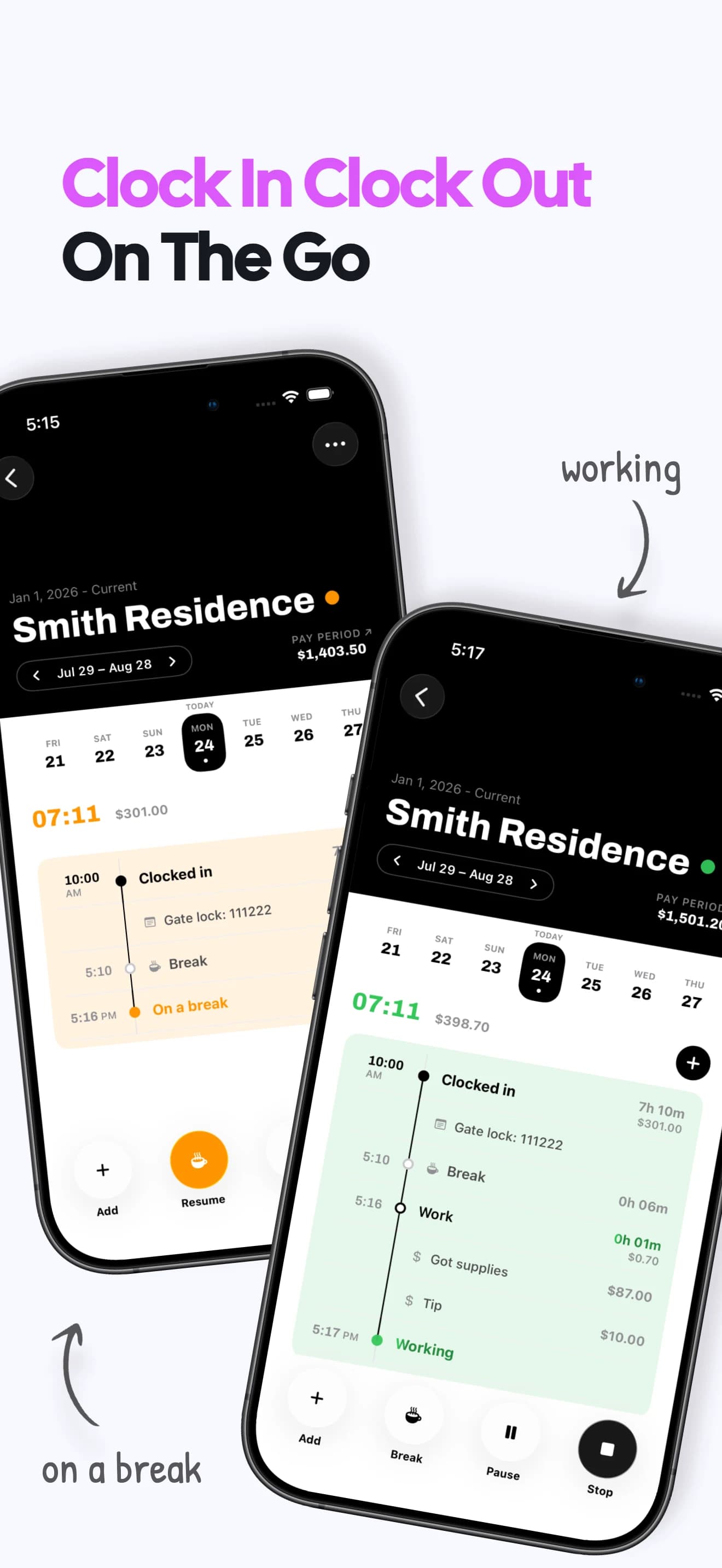
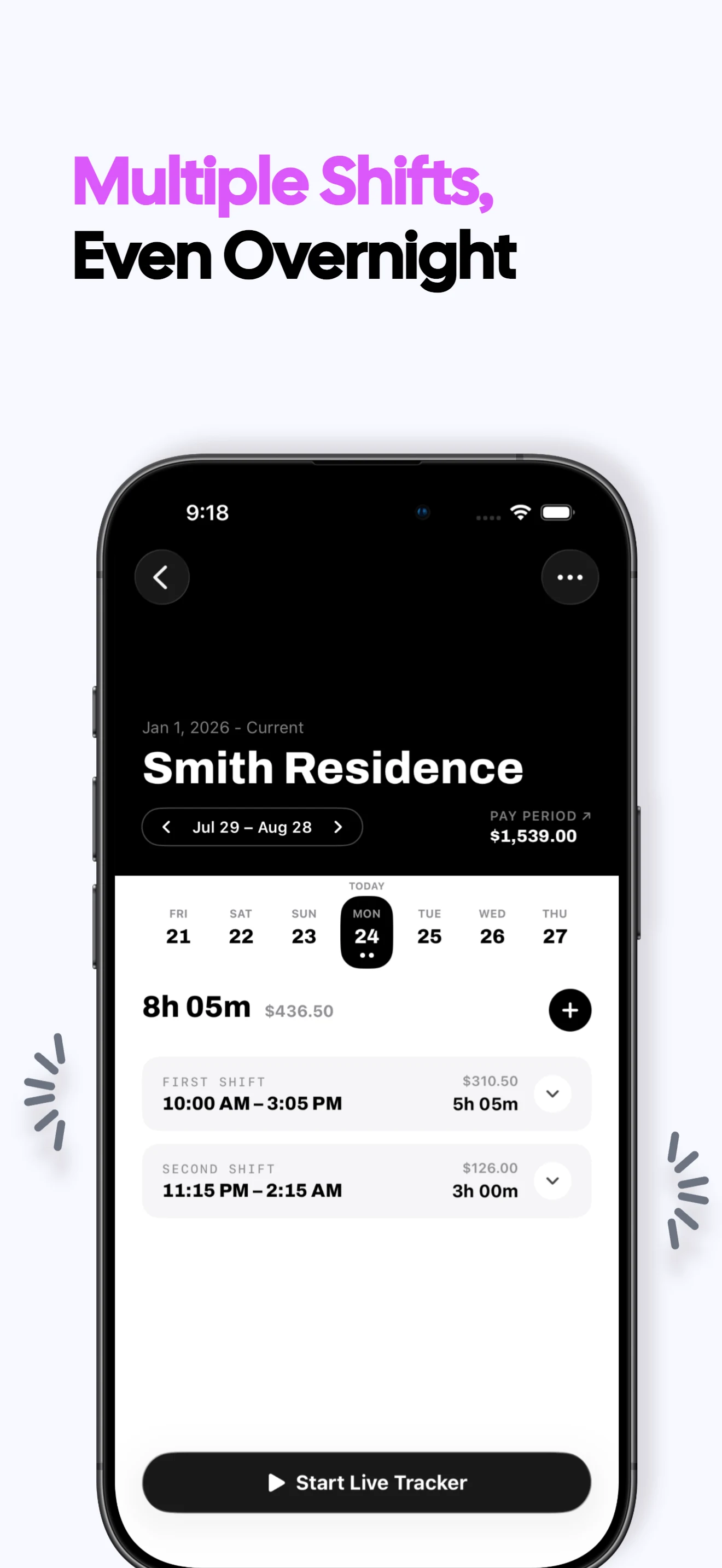
Track every shift
Clock in and out as you work or add a shift later, including breaks and overnight work.
Understand expected pay
See recorded hours alongside estimated gross earnings based on the rates and rules you enter.
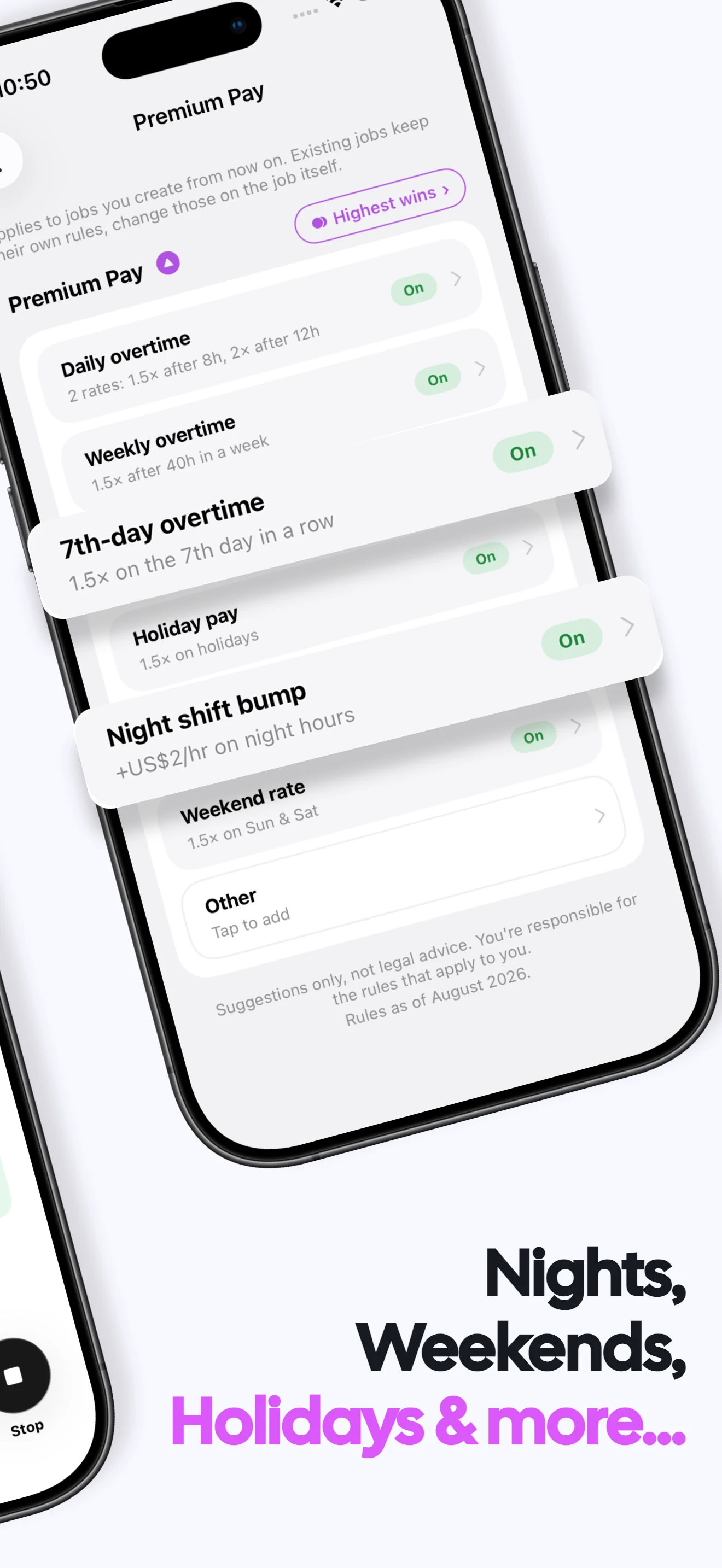
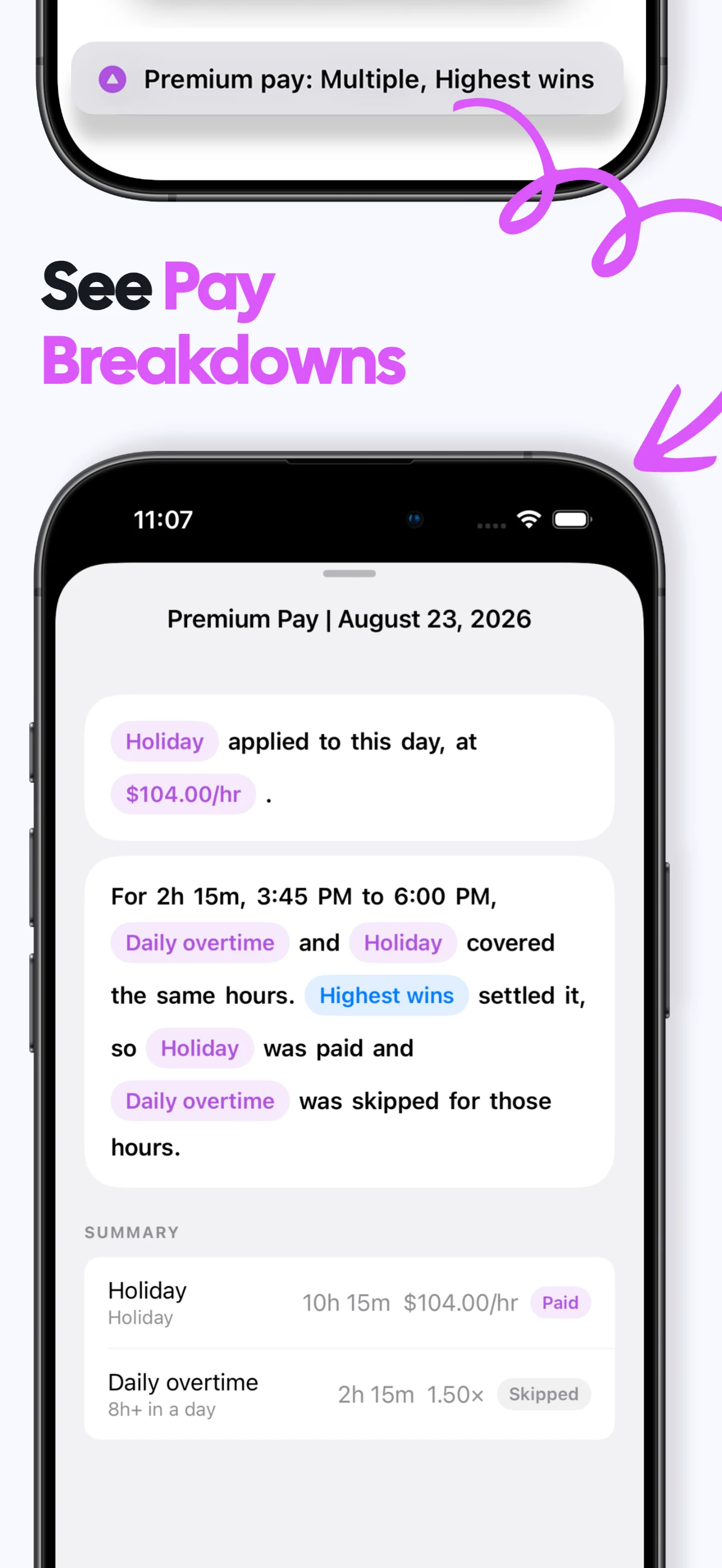
Handle complex pay
Set daily or weekly overtime and add night, weekend, holiday or custom premium rates.
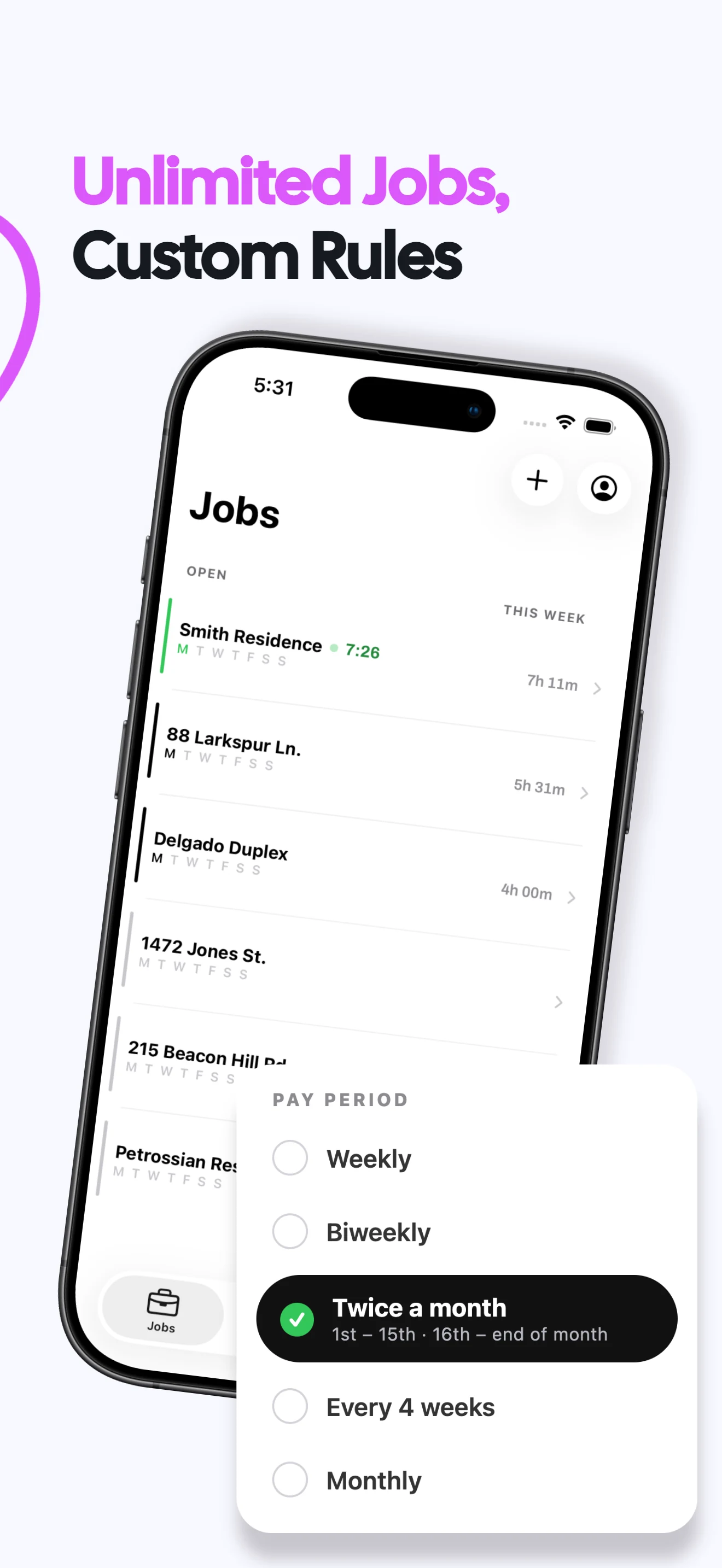
Keep jobs separate
Give each job its own rate history, rules, pay schedule and work record.
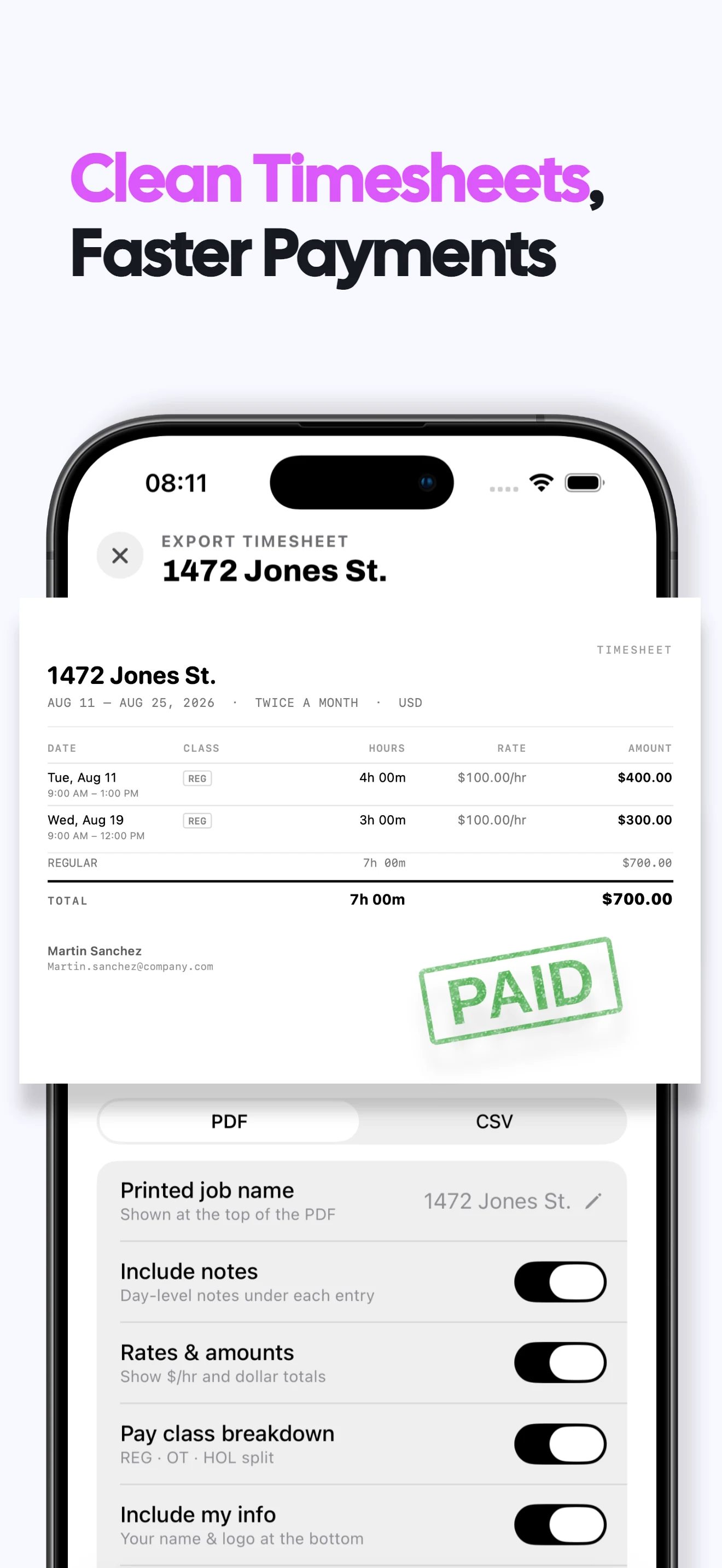
Export clear records
Turn a pay period into a PDF or CSV with hours, rates, classes and totals.
Stay private and offline
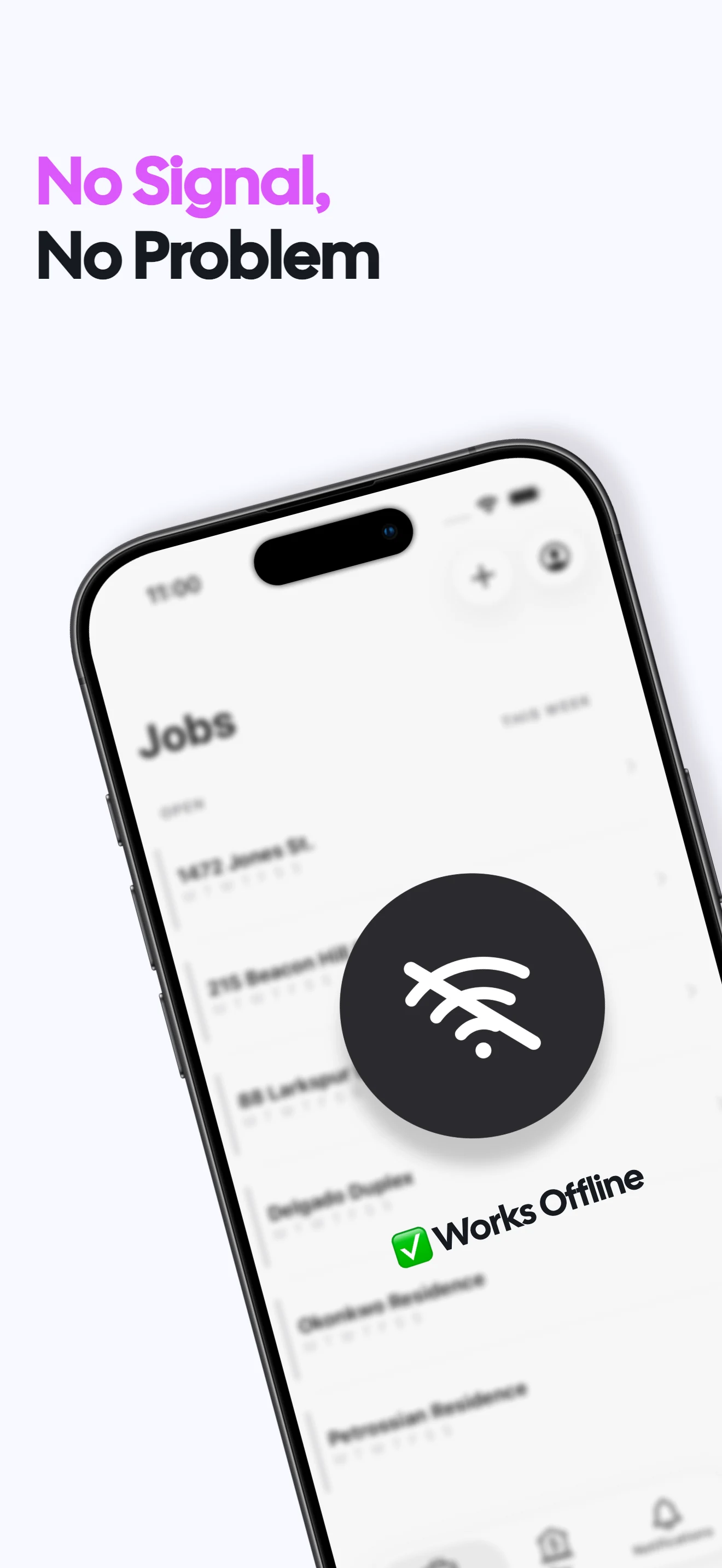
No Valio account or cloud sync is required. Your work records stay on your iPhone.
Valio work hour tracker FAQs
Does Valio track both work hours and pay?
Yes. Valio records shifts and estimates gross pay using the job rates and pay rules you configure.
Can Valio handle overtime and premium pay?
Yes. You can configure daily and weekly overtime plus night, weekend, holiday and custom premiums. Overtime guide →
Can I keep more than one job in Valio?
Yes. Jobs remain separate, including their rates, rules, pay periods and exports. Multiple-jobs guide →
Can I export my work records?
Yes. Export a pay period as a PDF or CSV and share it through the standard iPhone share sheet.
What does Valio cost?
A one week free trial, then $6.99/month or $49.99/year in the US. Regional prices vary. Viewing and exporting existing records stays free after a subscription ends; recording new work requires a subscription. Subscription terms →
Are my work records private?
Your hours, jobs and rates stay on your iPhone. No login or cloud sync is required, and Valio does not receive those work records. Privacy policy →