
Work Log Tracker With Overtime
Keep a daily work log of shifts, hours, overtime, expected pay and payment status on iPhone. Export the record as PDF or CSV with Valio.
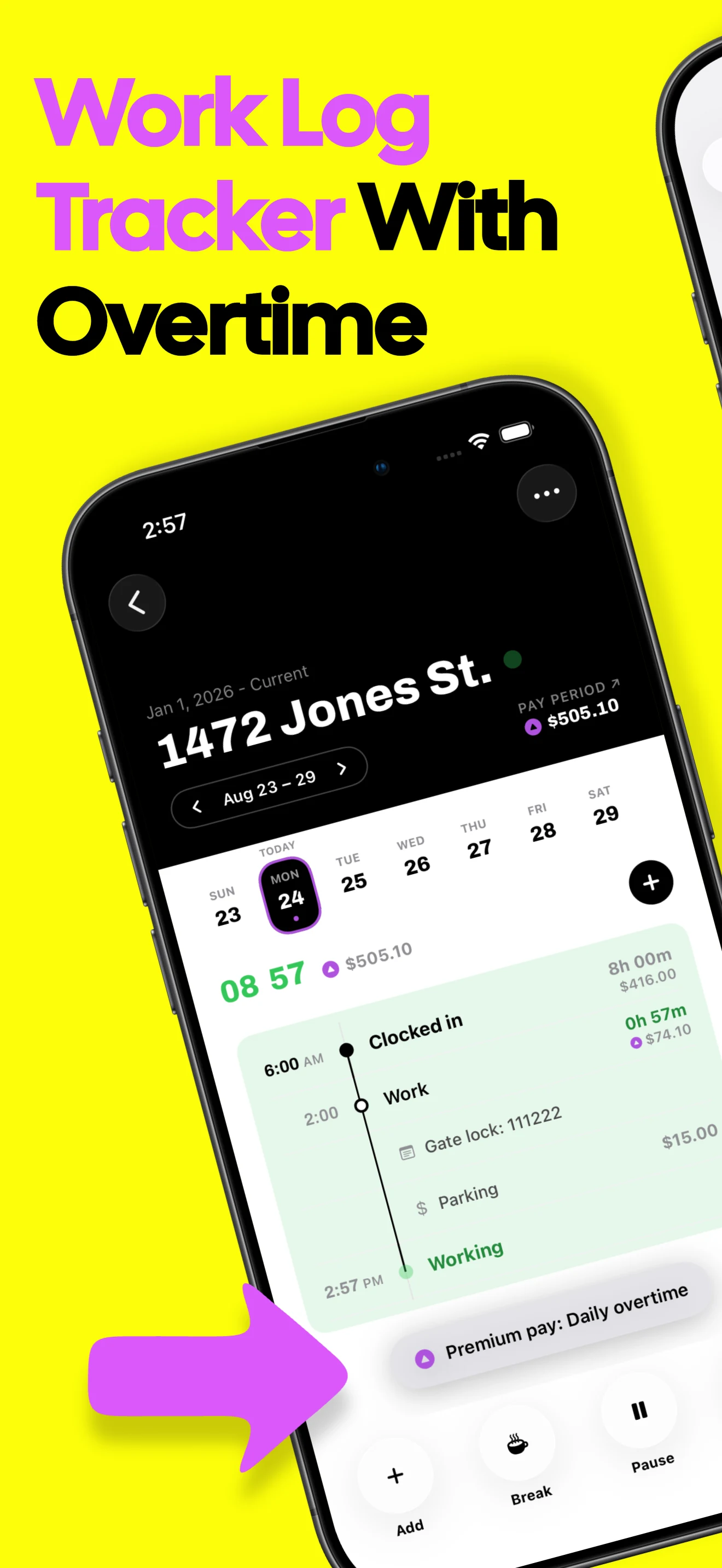

Keep a chronological log of hours and pay
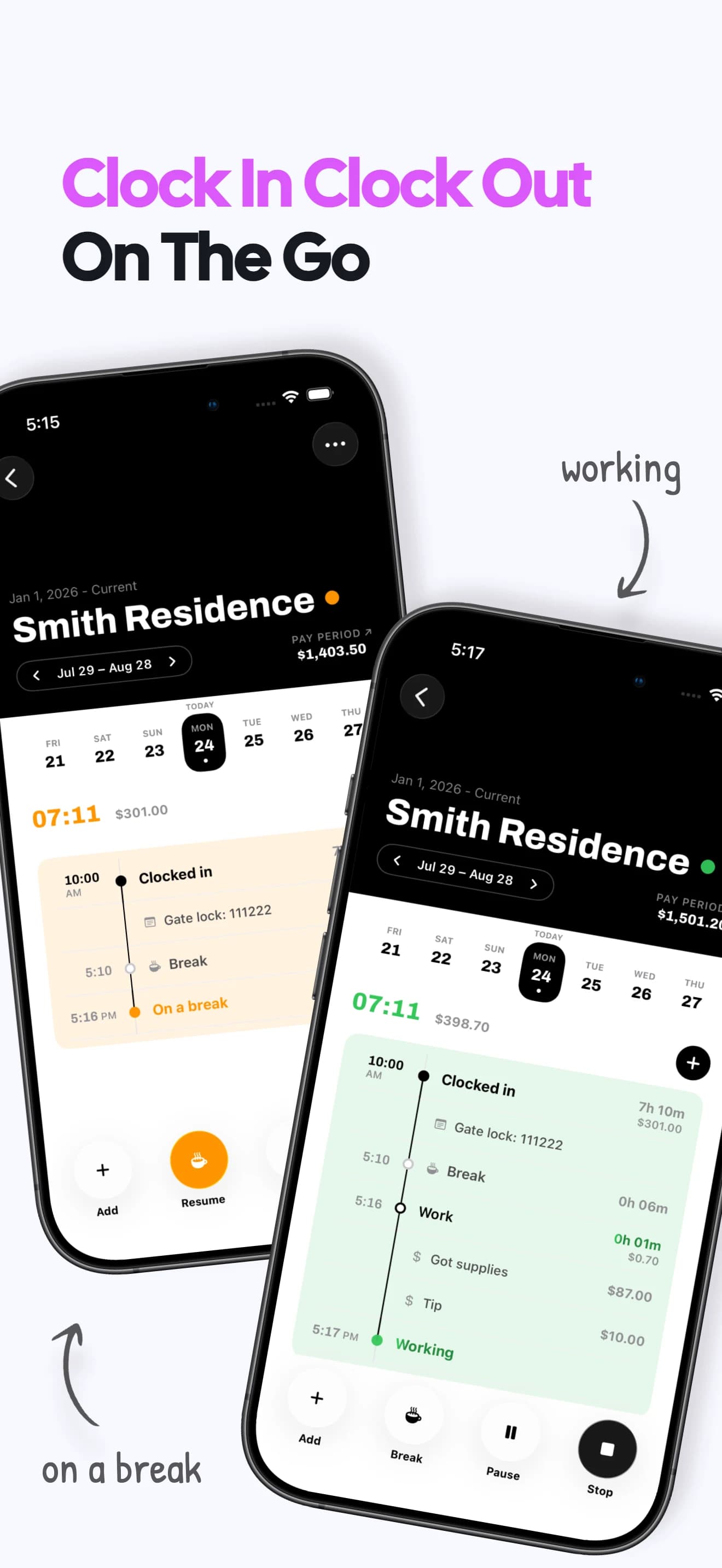
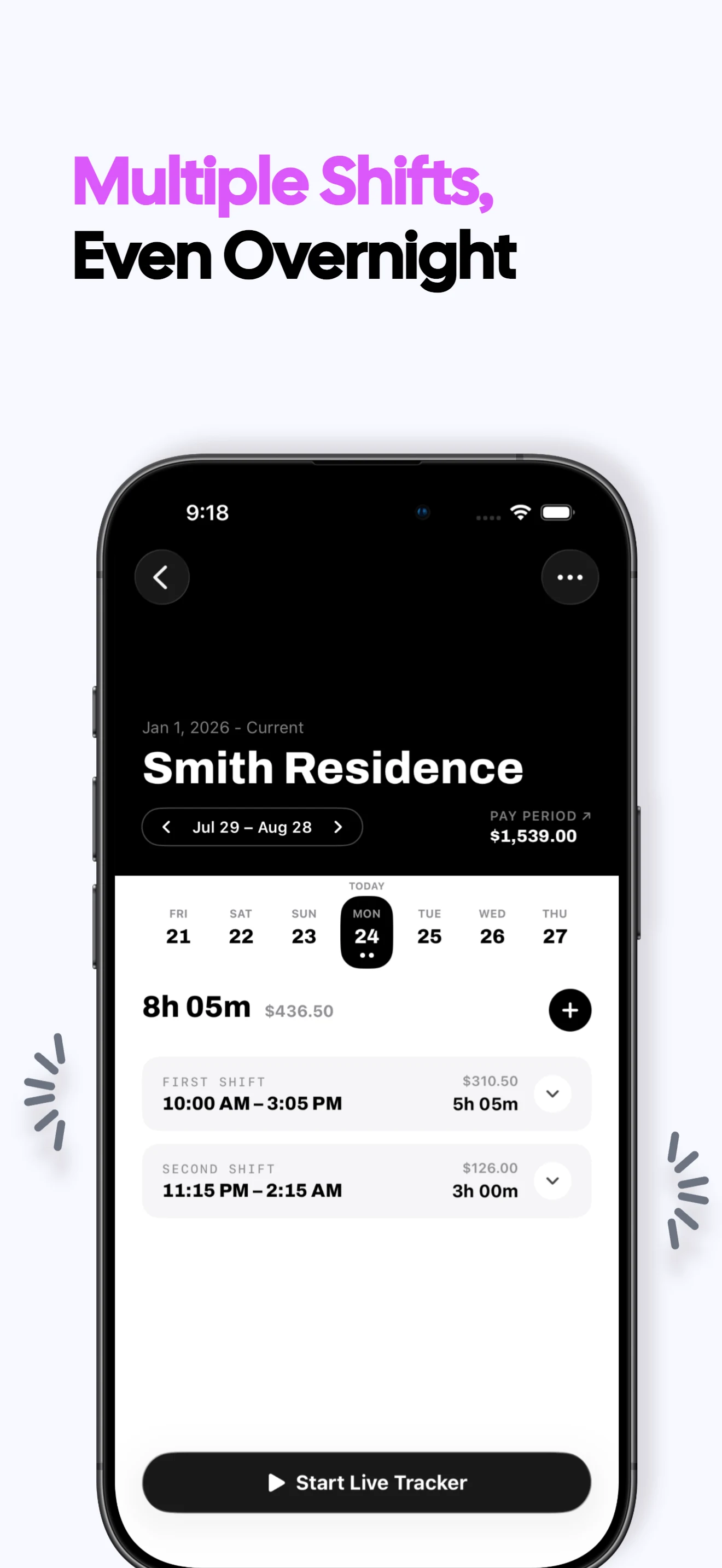
Log each workday
Keep shifts grouped by date so you can reconstruct what you worked and when.
Attach useful details
Store breaks, shift notes, tips or expenses alongside the relevant timeline when needed.
Connect the daily record
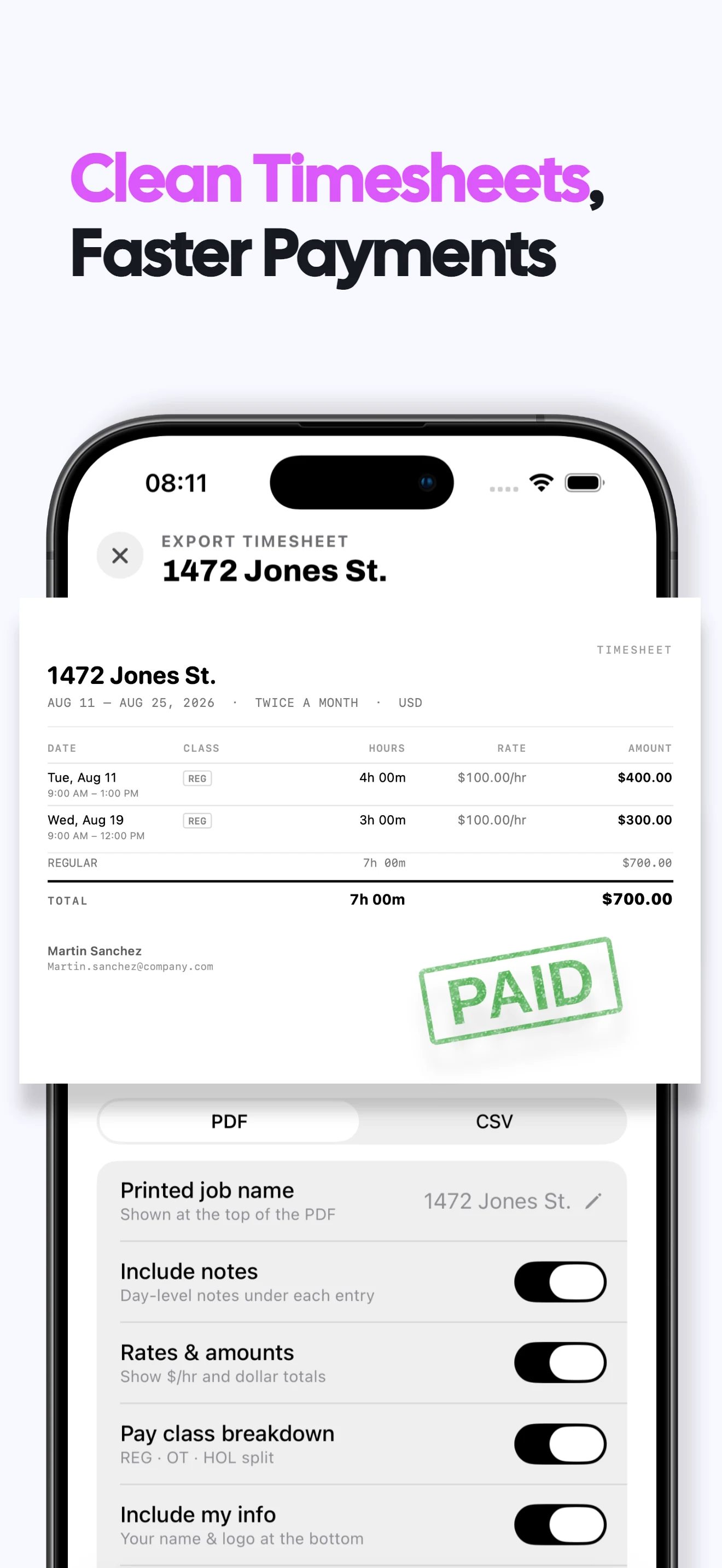
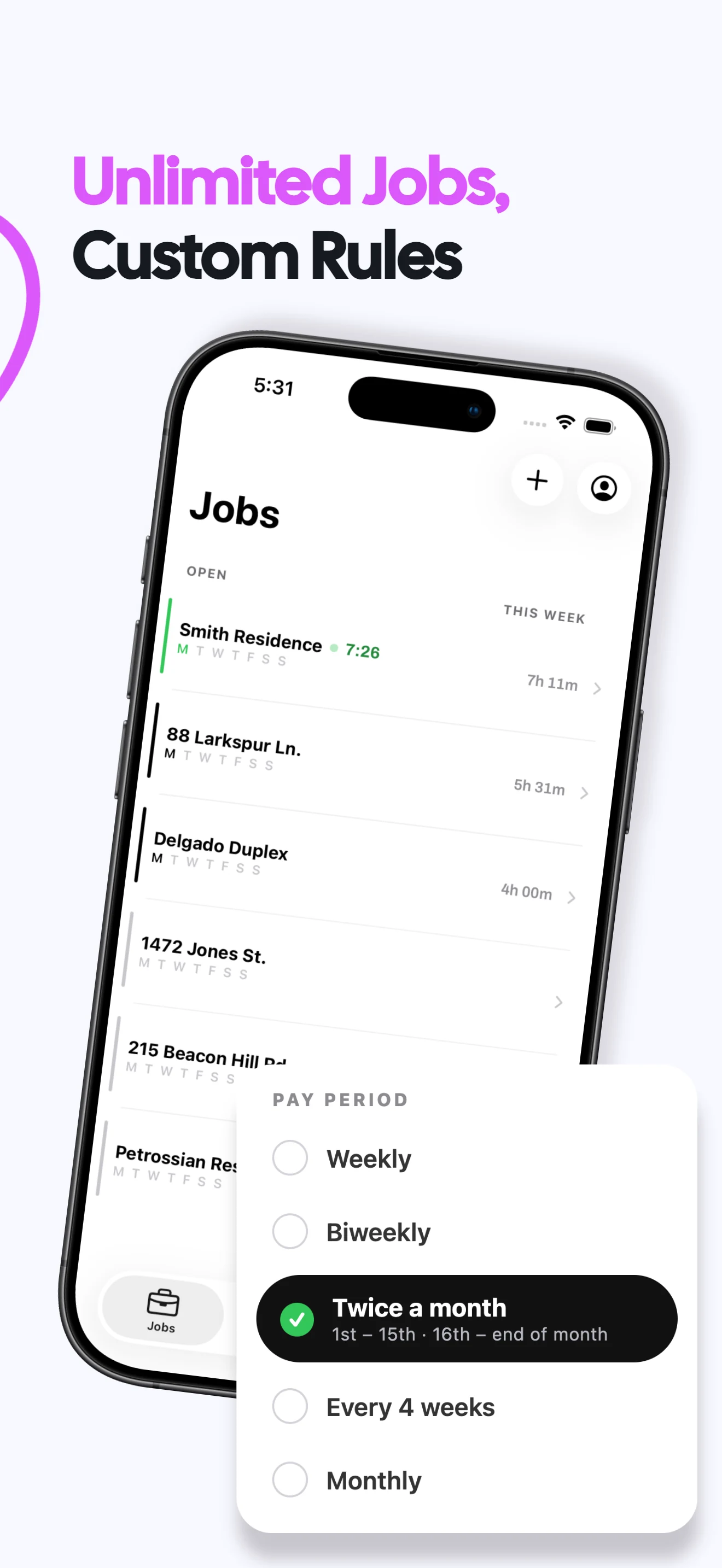
Roll day-by-day entries into the selected job's pay-period timesheet.
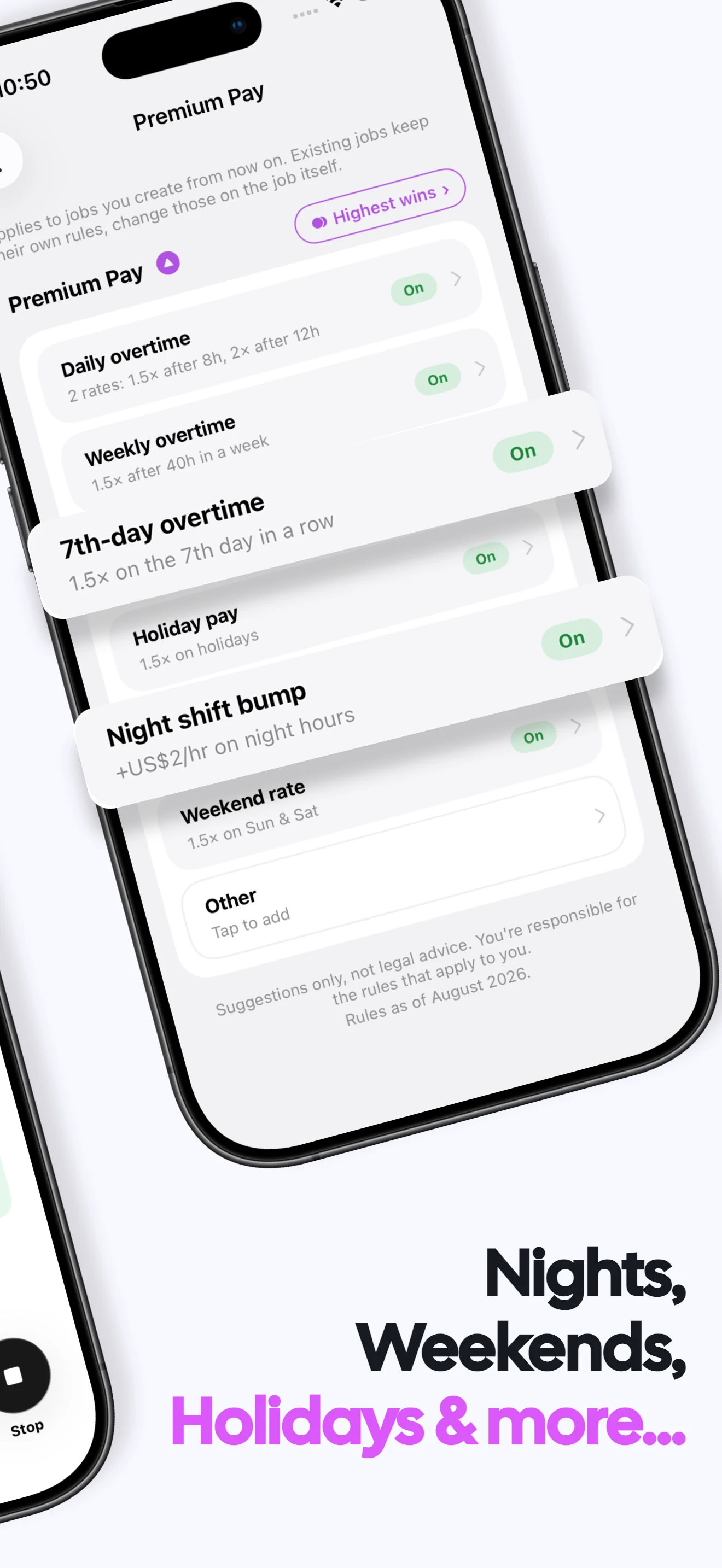
Separate overtime
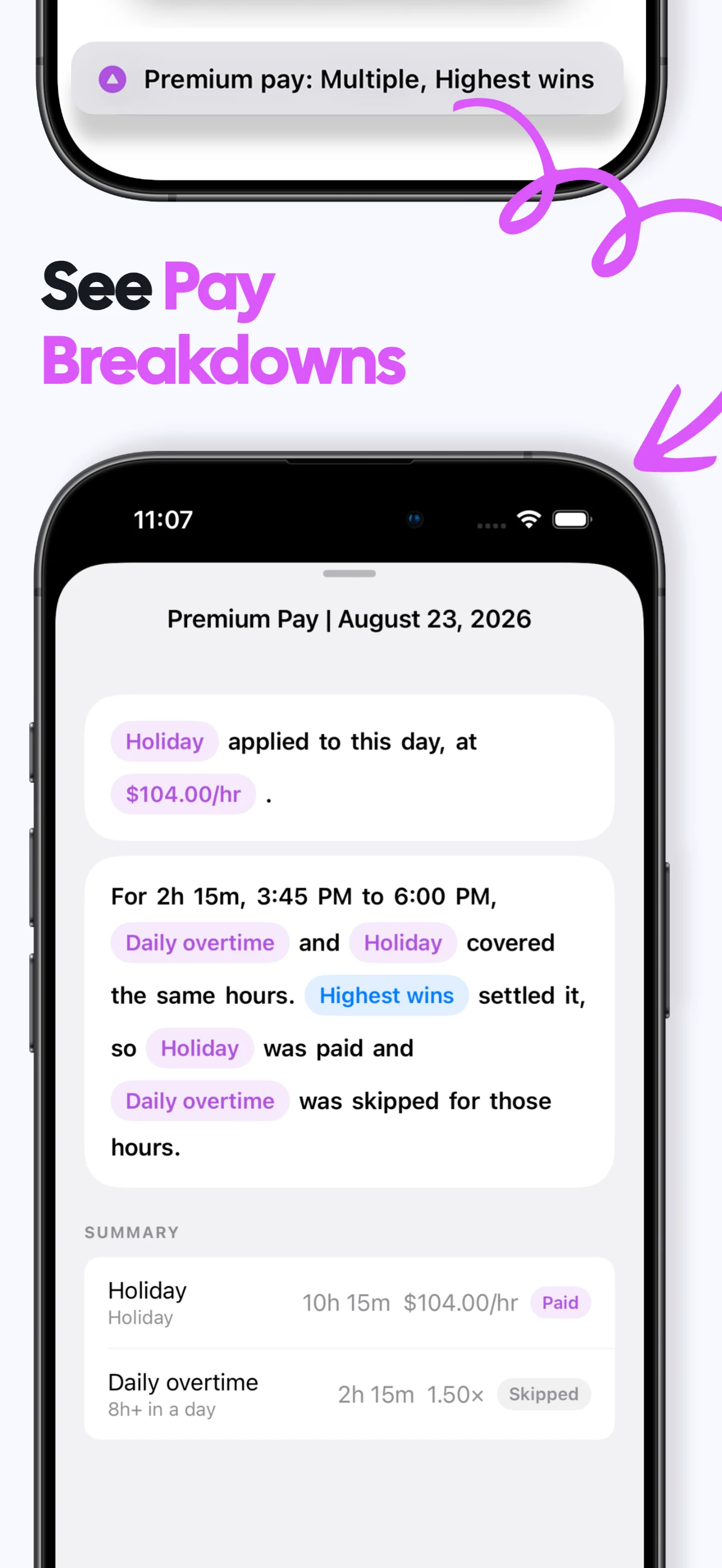
Show regular, overtime and premium classes in the record using your configured rules.
Track payment status
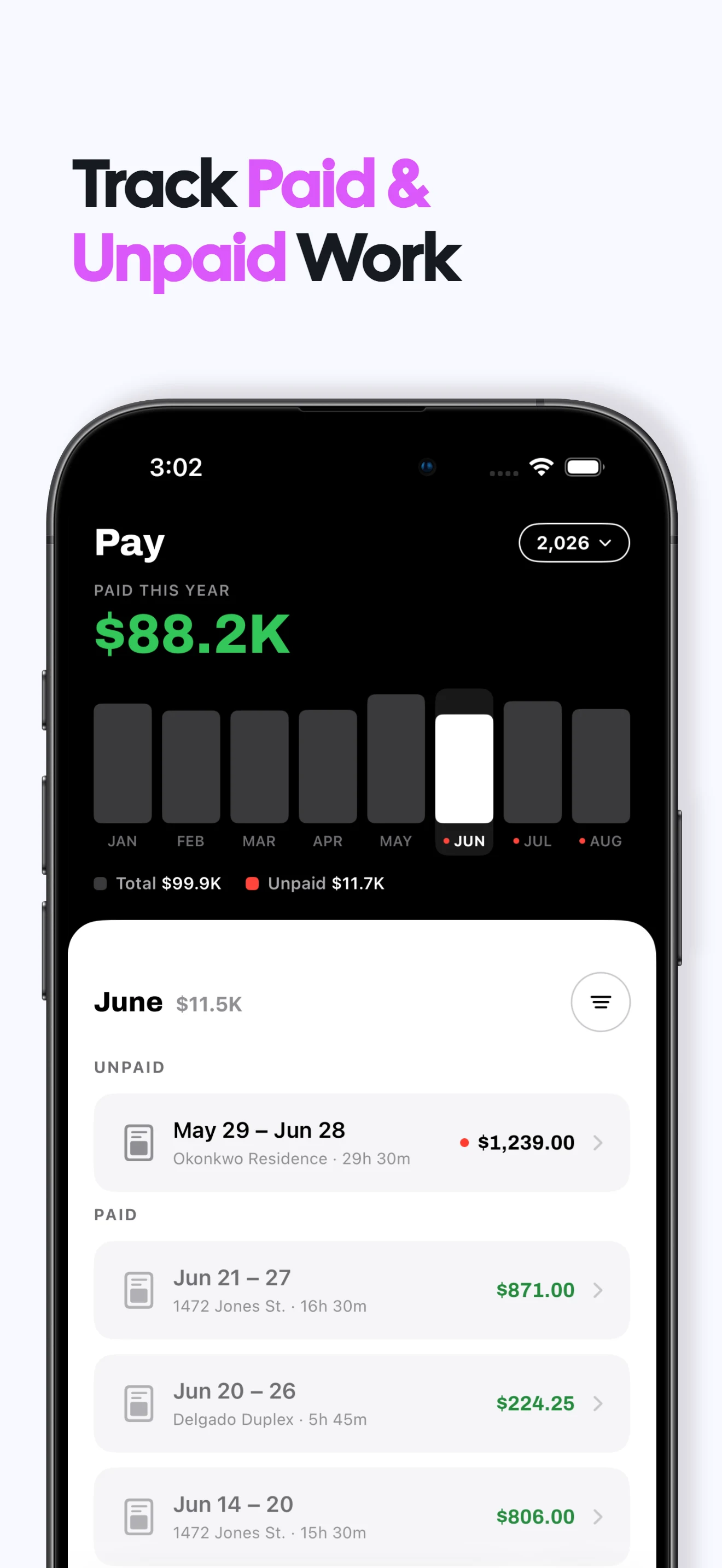
Mark a period sent, paid or unpaid and keep unfinished follow-up visible.
Export the full log
Share PDF or CSV evidence without giving anyone access to the app itself.
Daily work log FAQs
Does Valio keep a daily work log?
Yes. Recorded and manually entered shifts appear by date within each job and pay period.
Can I add notes to work entries?
Yes. Add notes to keep relevant context with the shift record.
Does the work log track my location or activity?
No. Valio is a personal hours record, not GPS tracking or employee-surveillance software.
What does Valio cost?
A one week free trial, then $6.99/month or $49.99/year in the US. Regional prices vary. Viewing and exporting existing records stays free after a subscription ends; recording new work requires a subscription. Subscription terms →
Are my work records private?
Your hours, jobs and rates stay on your iPhone. No login or cloud sync is required, and Valio does not receive those work records. Privacy policy →