
Simple Hours Tracker for Work
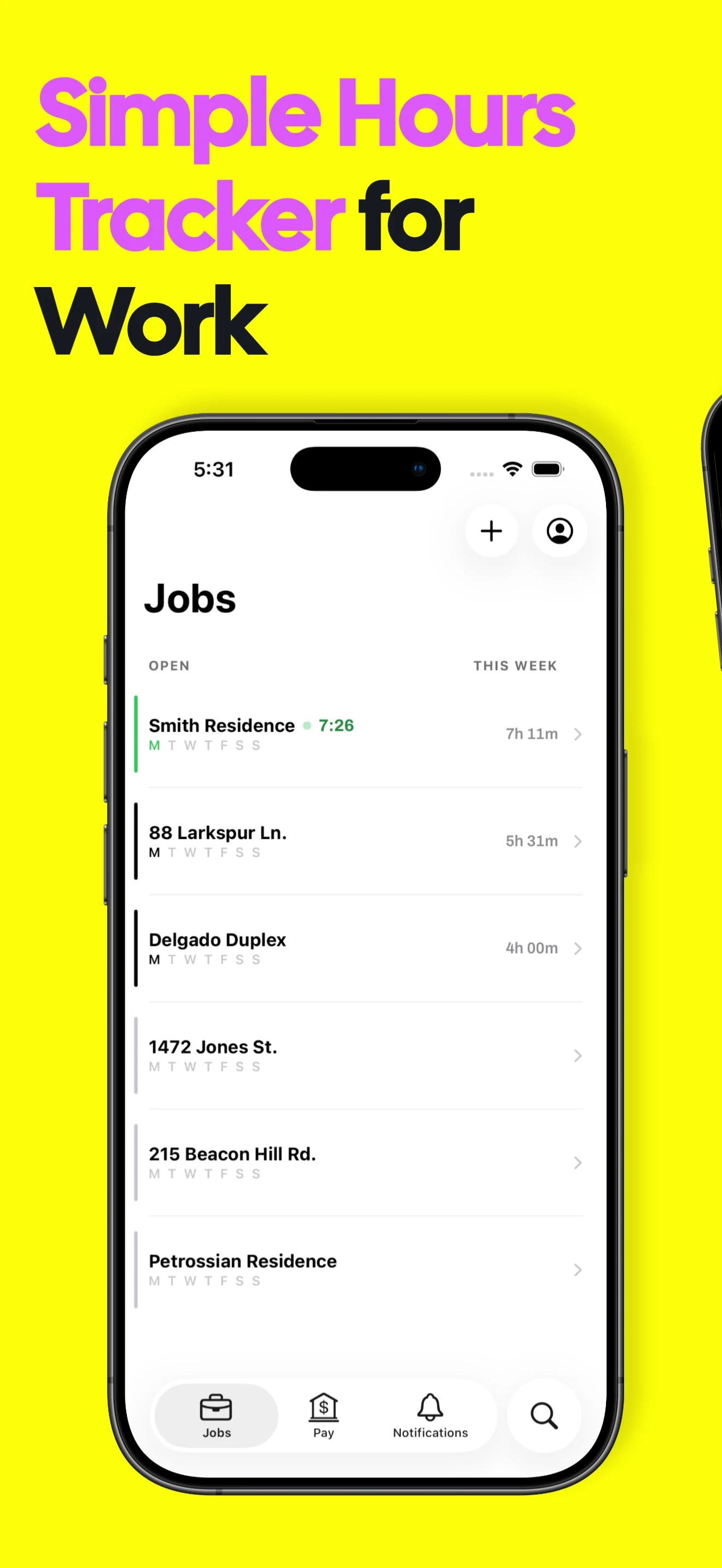
A simple hours tracker for work on iPhone. Clock in and out, add shifts later, see expected earnings and export a clean timesheet with Valio.

Simple hour tracking without losing useful detail
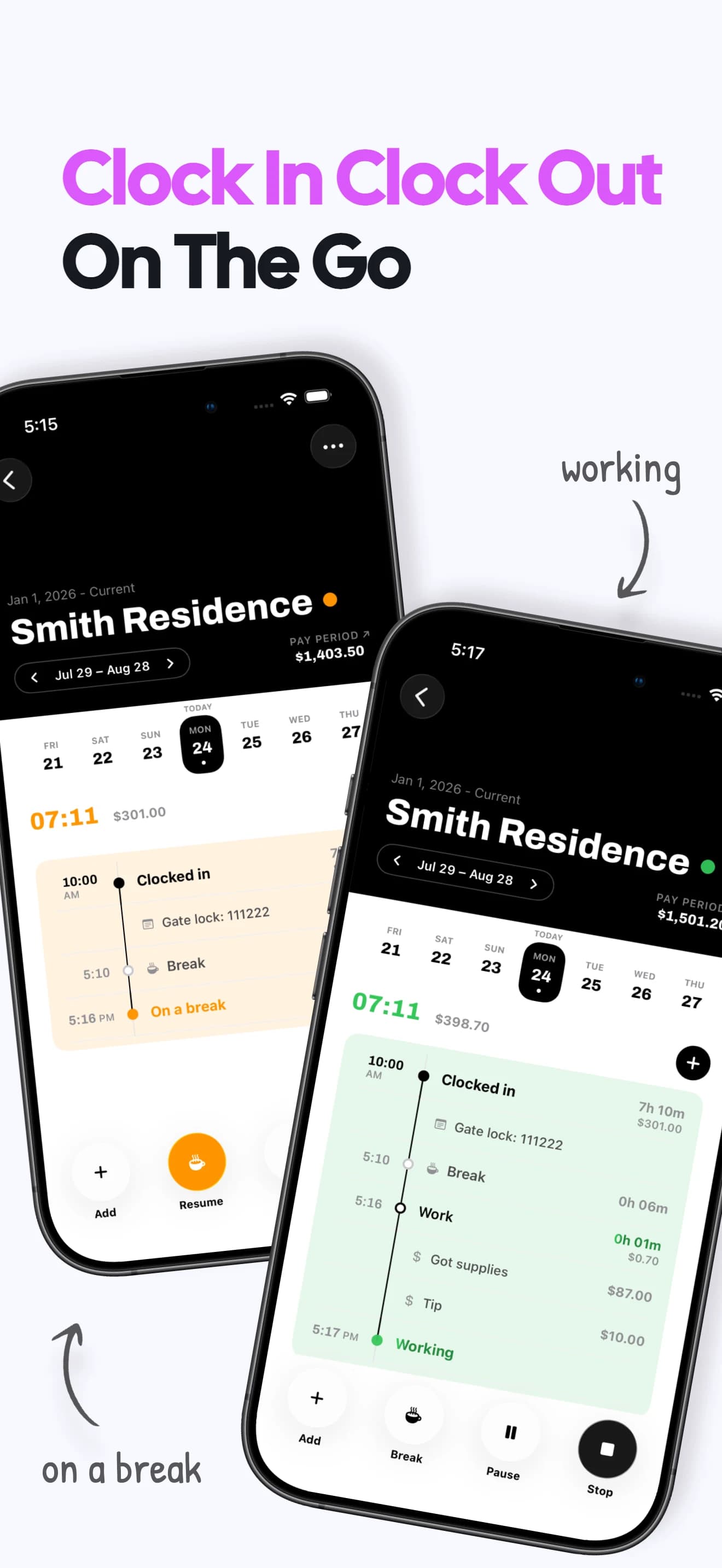
Clock in and out
Start and stop a work shift in a few taps from the selected job.
Add hours later
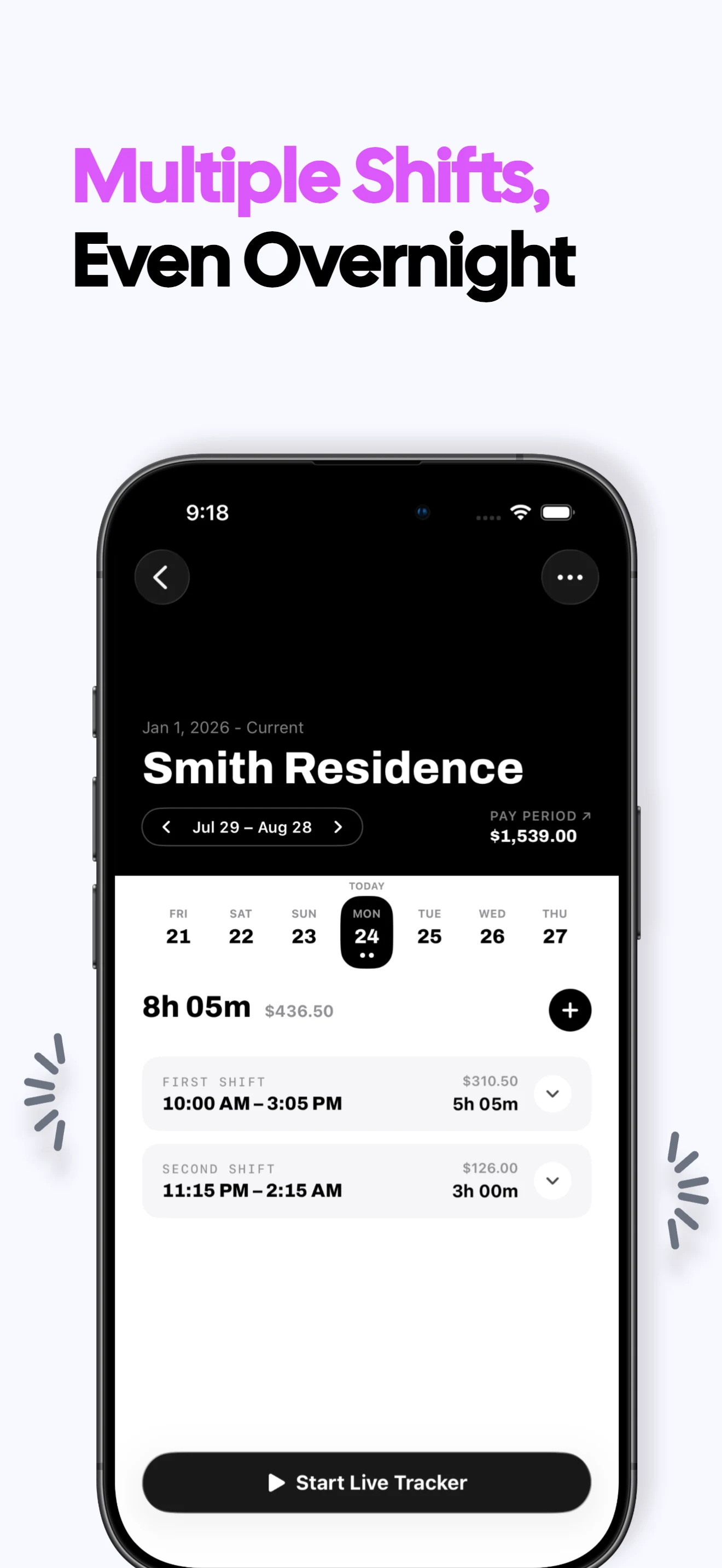
Create a manual shift when you do not need a live timer or forgot to start one.
Review the workweek
See daily shifts and totals together in an uncluttered timeline.
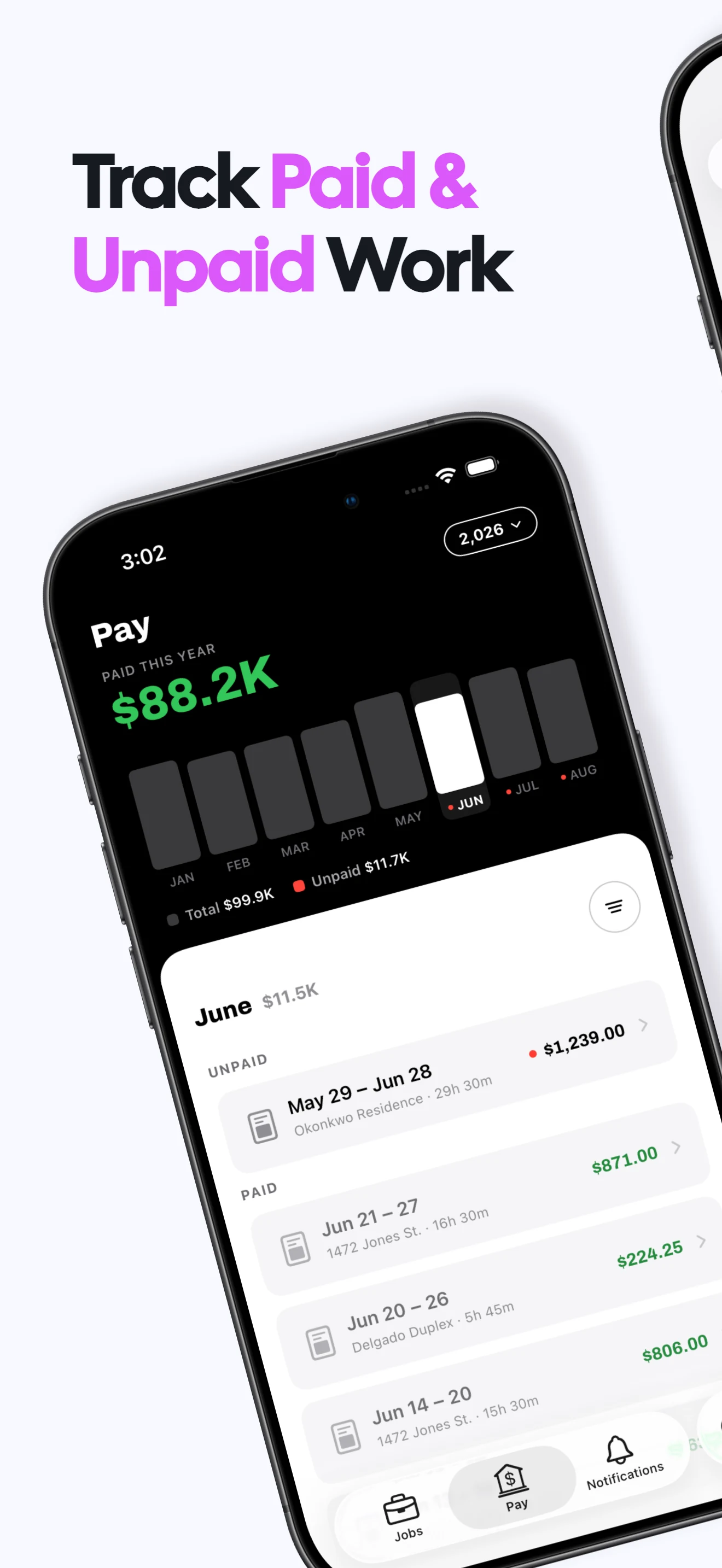
See expected earnings
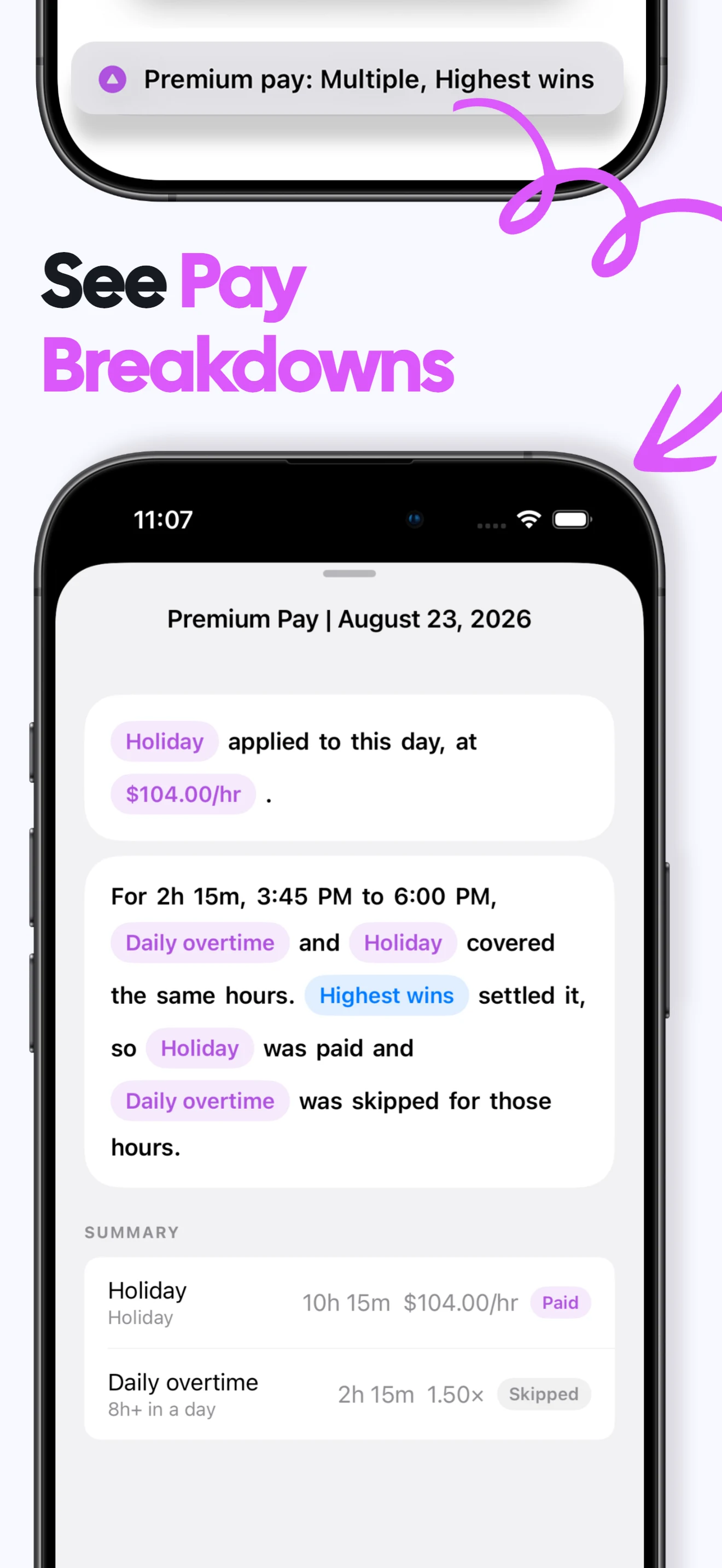
Attach an hourly rate and view an estimated gross-pay total for the period.
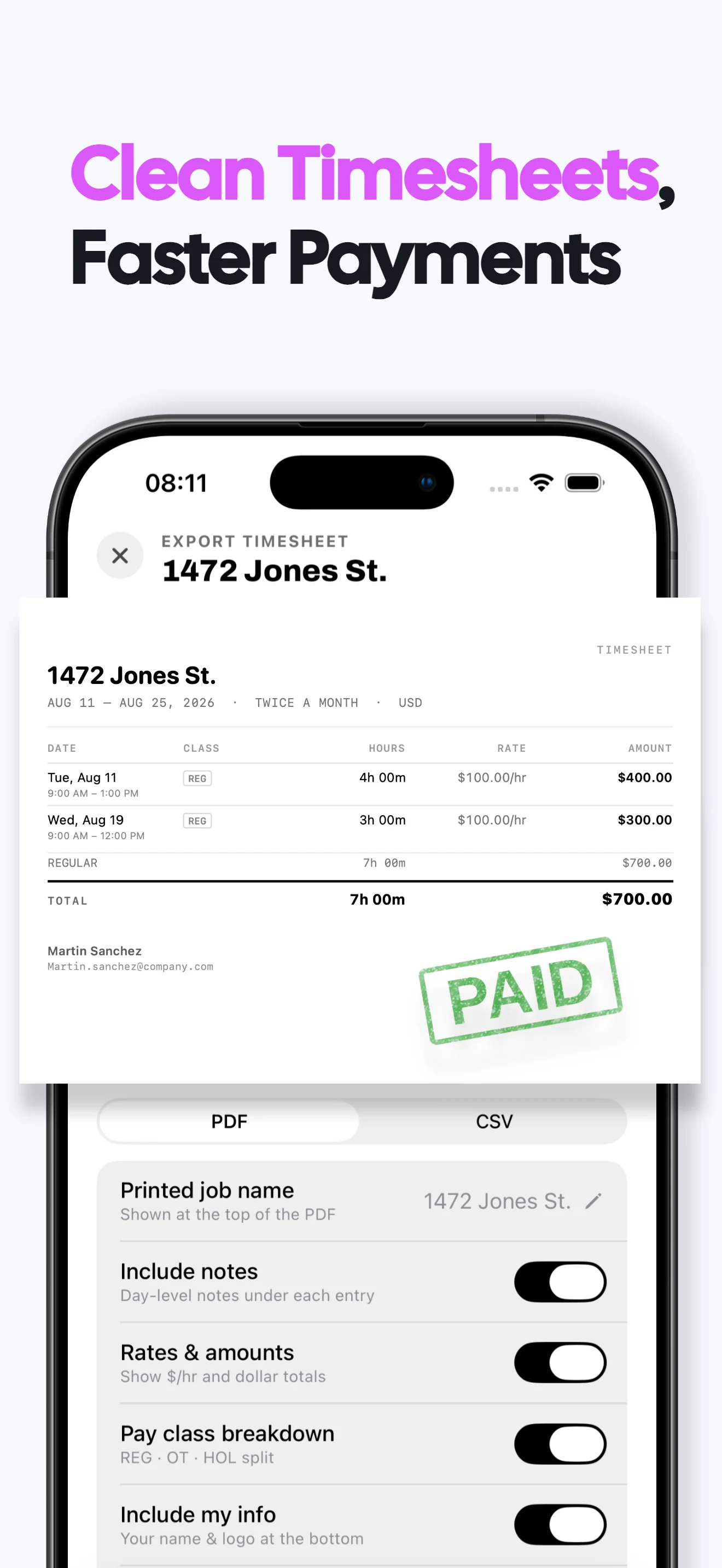
Export a simple timesheet
Share a PDF or CSV record when a client or employer needs the details.
No account required
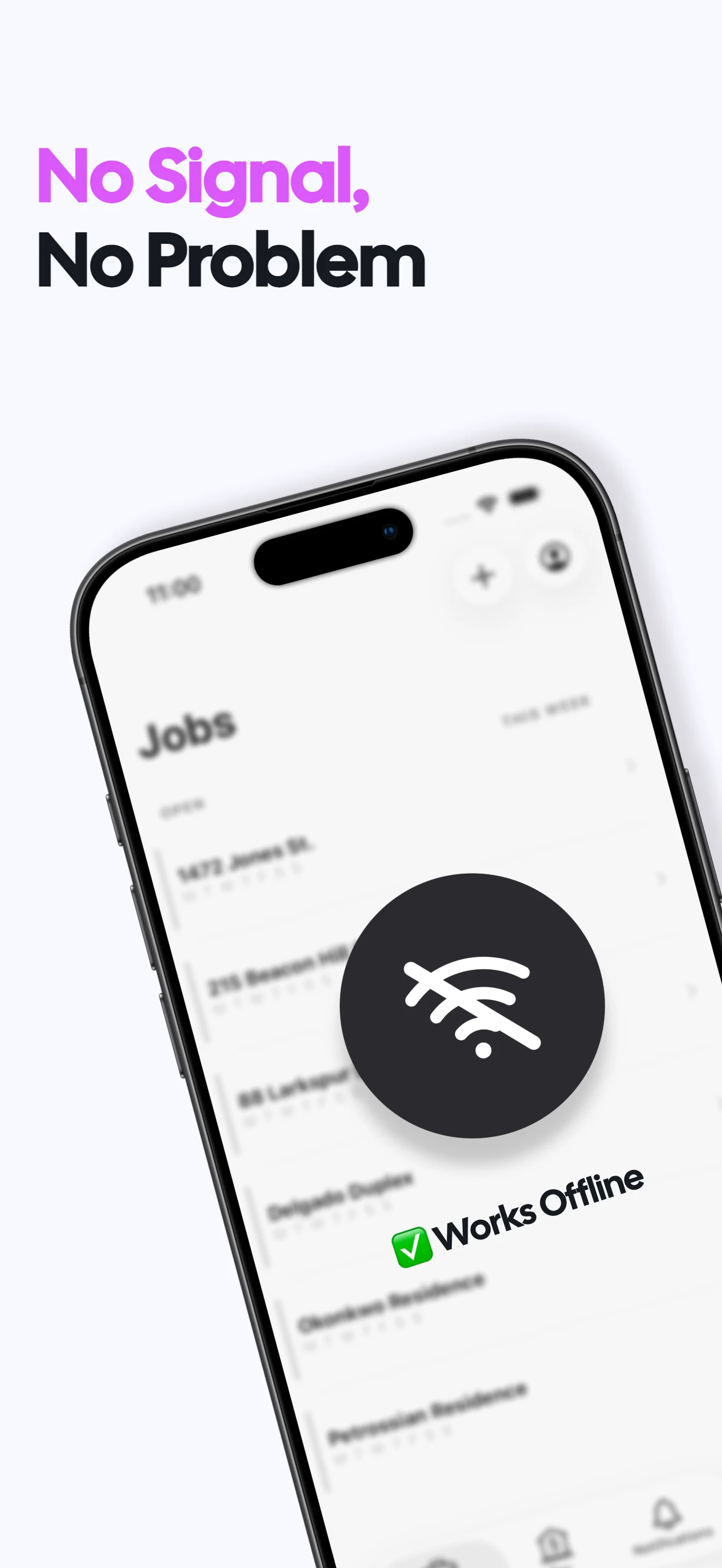
Use Valio offline without creating a login or syncing work data to Valio servers.
Simple hours tracker FAQs
Can I use Valio for straightforward hourly work?
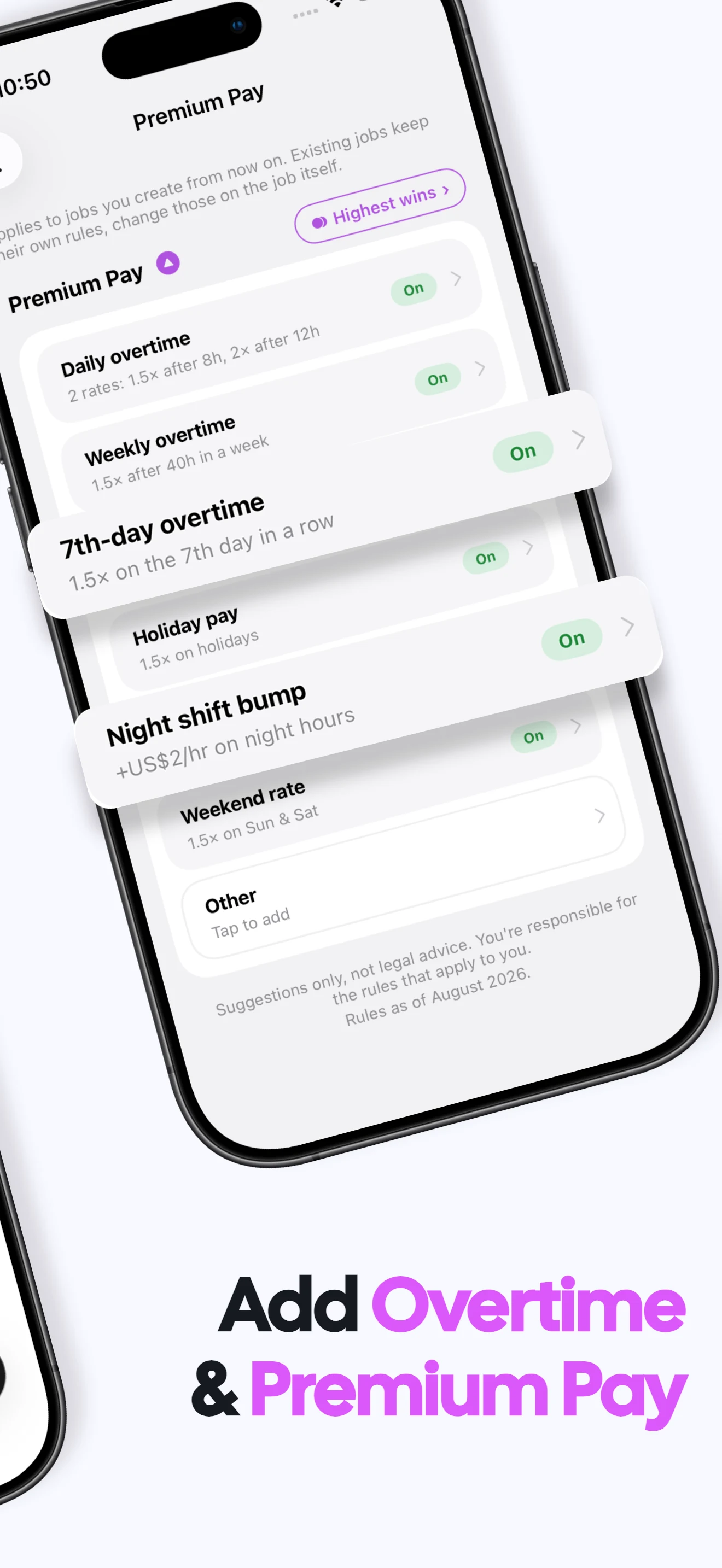
Yes. Start with a job and hourly rate, then clock shifts or add them manually. Advanced rules are optional.
Do I have to use the live timer?
No. You can record work after the fact by entering the start and end time.
Can I see weekly and pay-period totals?
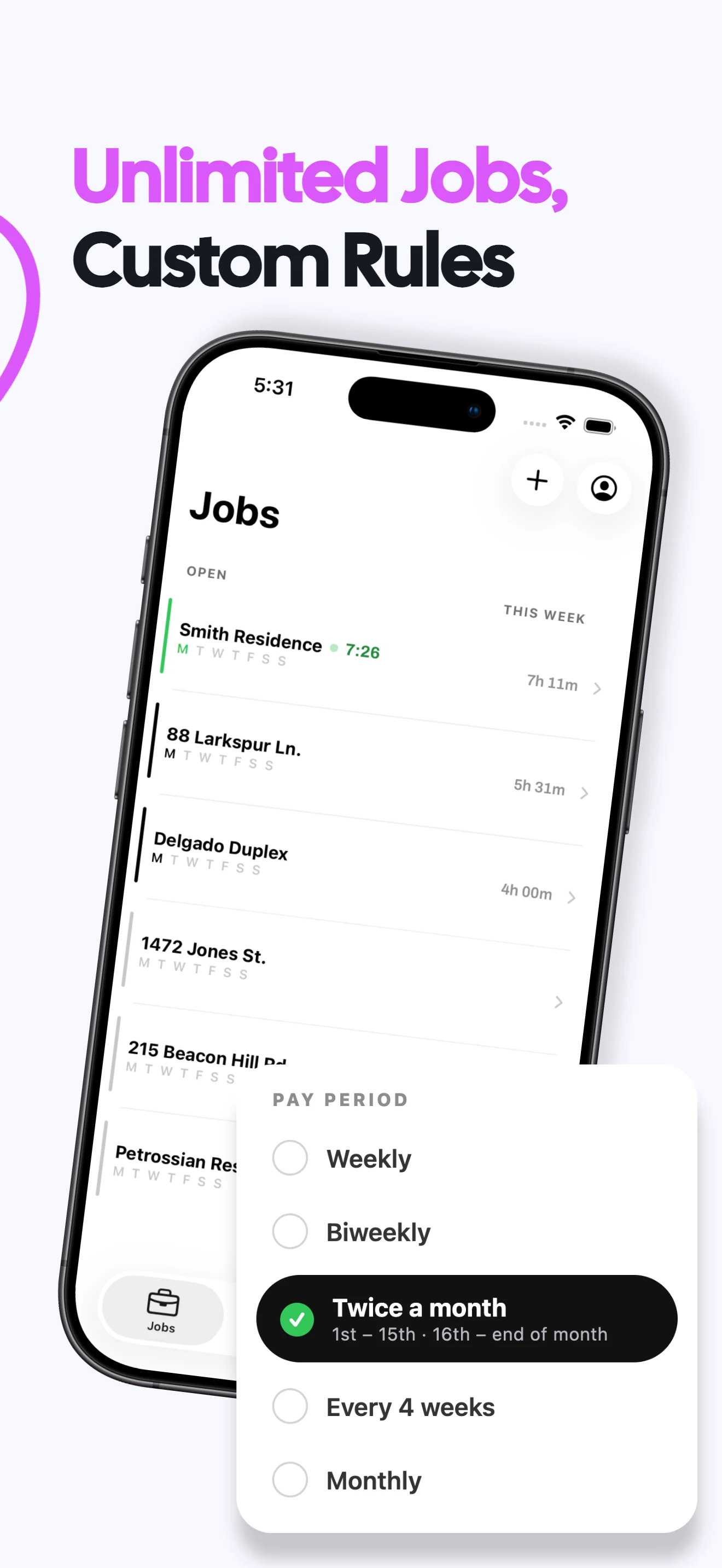
Yes. Valio groups recorded hours and expected gross earnings by the job's pay period.
What does Valio cost?
A one week free trial, then $6.99/month or $49.99/year in the US. Regional prices vary. Viewing and exporting existing records stays free after a subscription ends; recording new work requires a subscription. Subscription terms →
Are my work records private?
Your hours, jobs and rates stay on your iPhone. No login or cloud sync is required, and Valio does not receive those work records. Privacy policy →